From Scan to Kitchen: Shortening the Order Chain
Count the hand-offs in a traditional order. The guest decides, then waits for a server. The server writes it down, walks to the till, keys it in and prints a ticket. The kitchen reads the ticket, sometimes asks what a note means, and starts. Each hand-off adds a few minutes and a chance for something to be misheard. Shortening the chain is less about speed for its own sake than about removing the steps that add nothing.
The steps that disappear
When a guest orders from a QR ordering menu, three steps go:
- Waiting to be noticed. The guest orders when they are ready.
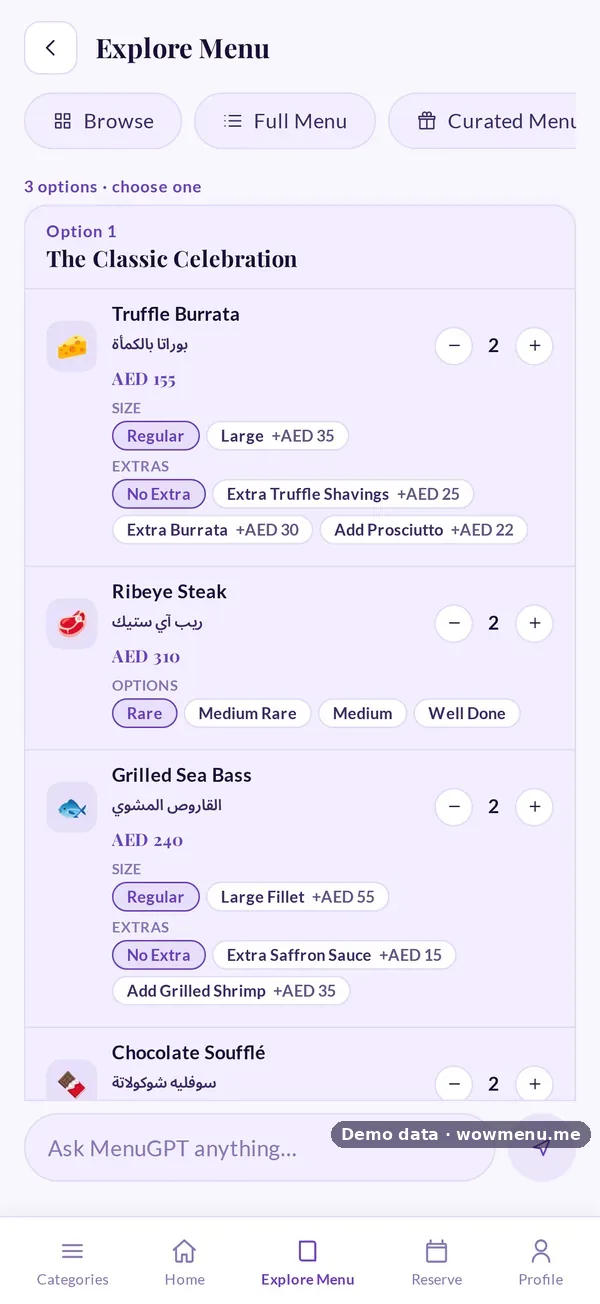
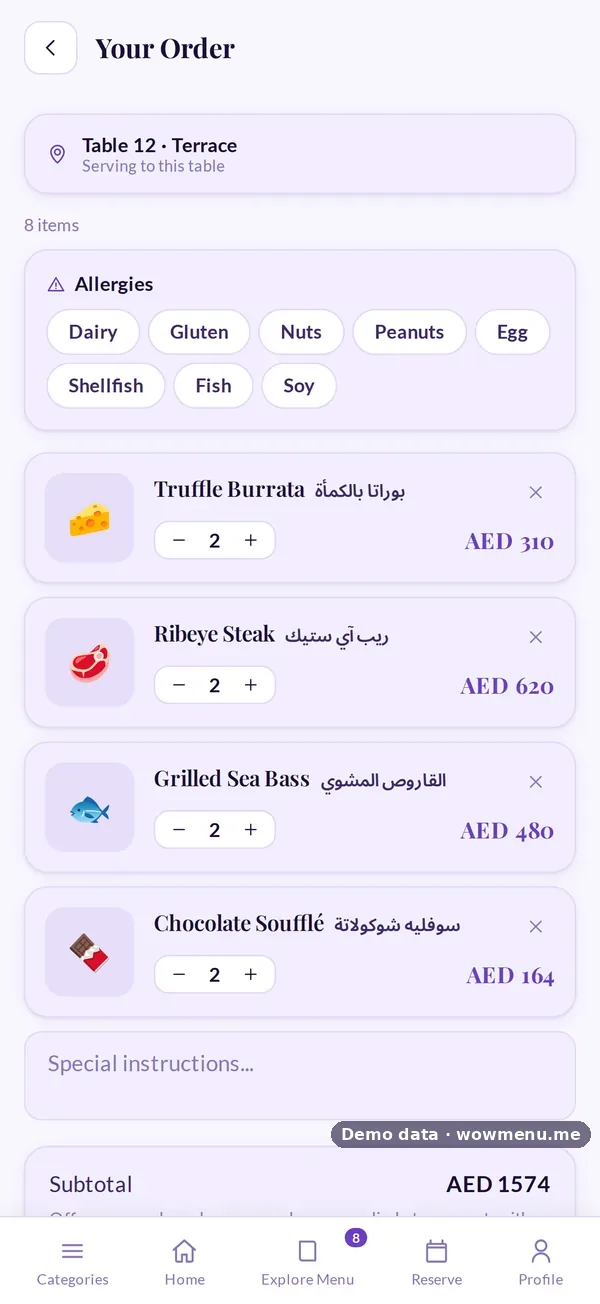
- Writing and re-keying. The order is already structured, with sizes, extras, notes and allergies attached.
- Walking it to the pass. The ticket appears on the kitchen display immediately.
Servers stay on the floor, and orders they take land on the same board.
What the kitchen sees
A kitchen display replaces the printer with a live board of tickets moving from New to Preparing, Ready and Served.
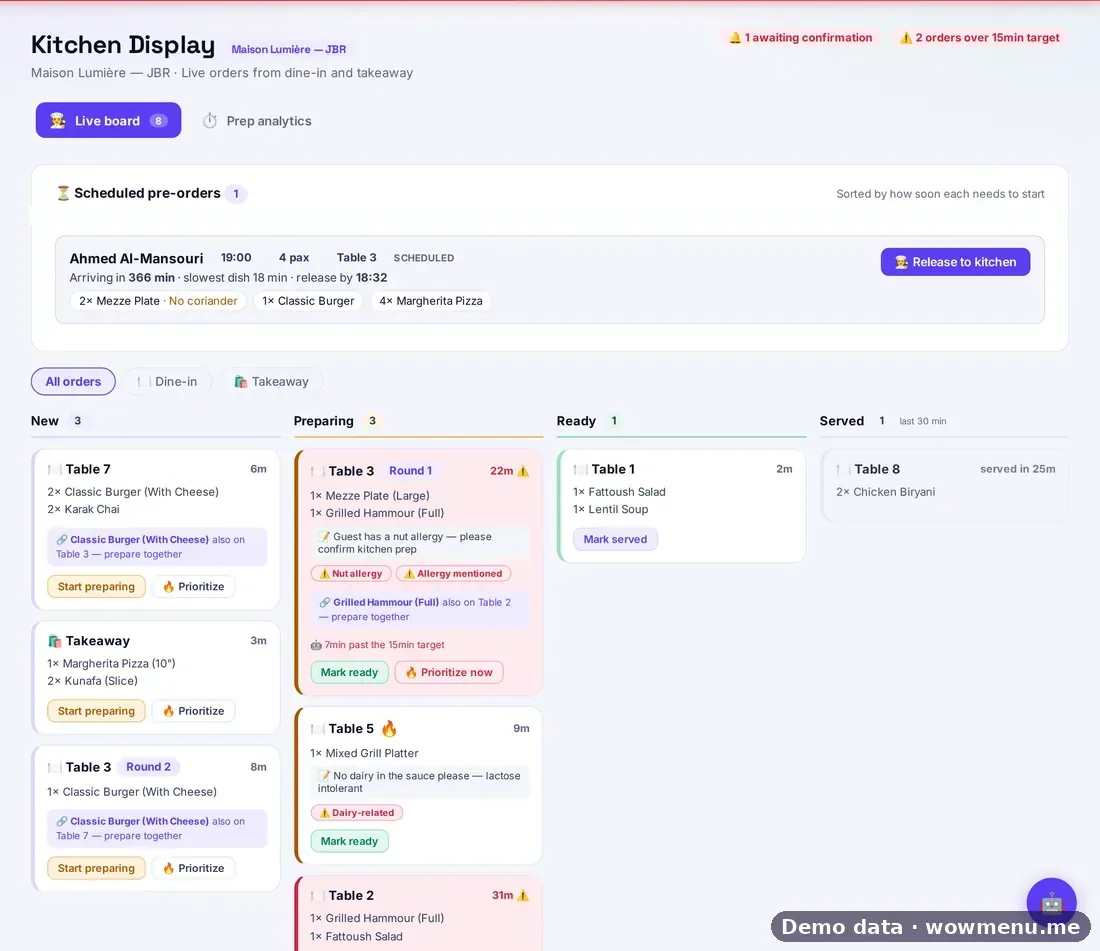
Four things make it more than a screen of tickets:
- Rounds grouped by table. When a table orders again, the new round sits with the first.
- Delay flags. Each ticket is compared with your preparation-time target, 15 minutes by default and adjustable per branch, and late tickets are flagged with the reason.
- Allergy prompts. Allergies picked up from the order are flagged so the team can confirm before cooking.
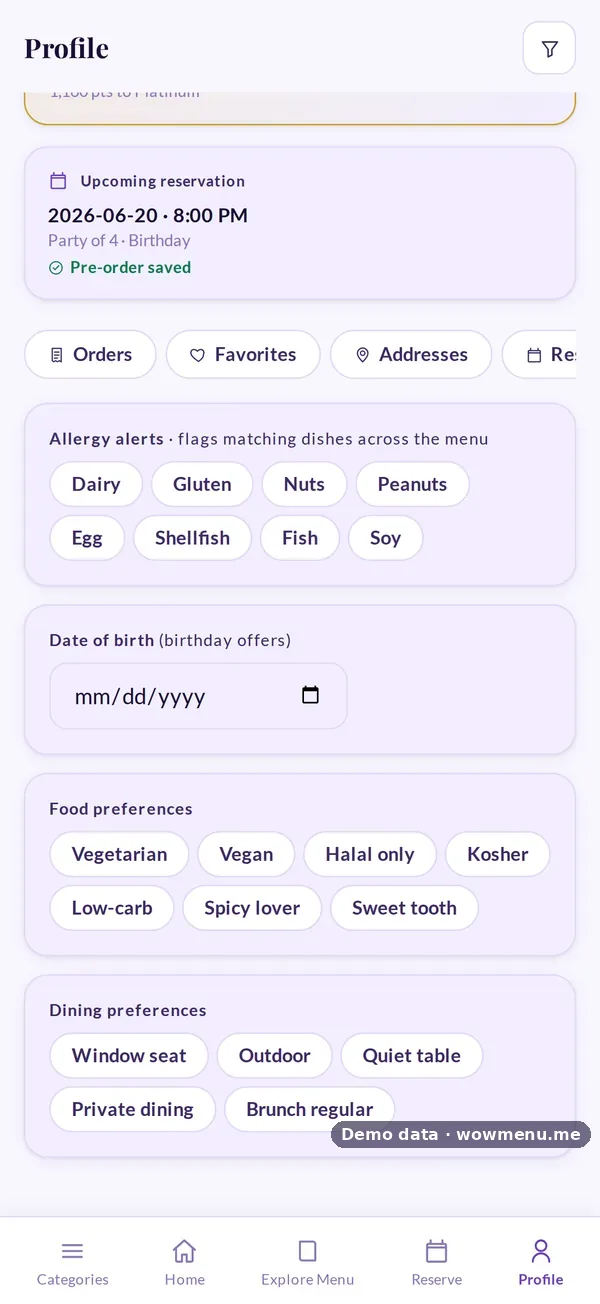
- Scheduled pre-orders. Orders attached to a booking wait in their own panel with a suggested release time.
What the guest sees
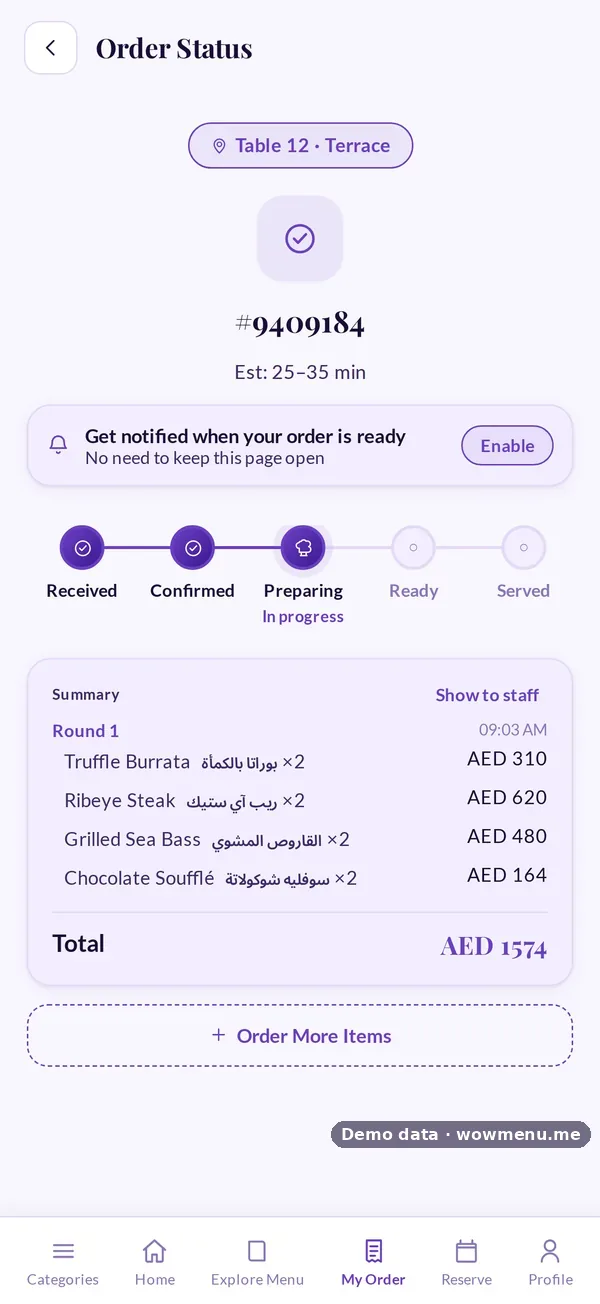
The guest follows the same order on their phone: Received, Confirmed, Preparing, Ready and Served. Fewer "how long will it be?" questions reach your team.
Keep an eye on preparation times
Prep analytics shows average preparation time and the orders that ran over target, by dish and by time of day. Use it to spot the dish that always holds up the pass, or the slot that needs another pair of hands.
Getting started
Run the kitchen display alongside your printer for a week, so the team can compare. Set a realistic preparation target, check the allergy flags at every briefing, and review prep analytics after the first weekend. Pre-orders, explained in how pre-orders work, are the natural next step.