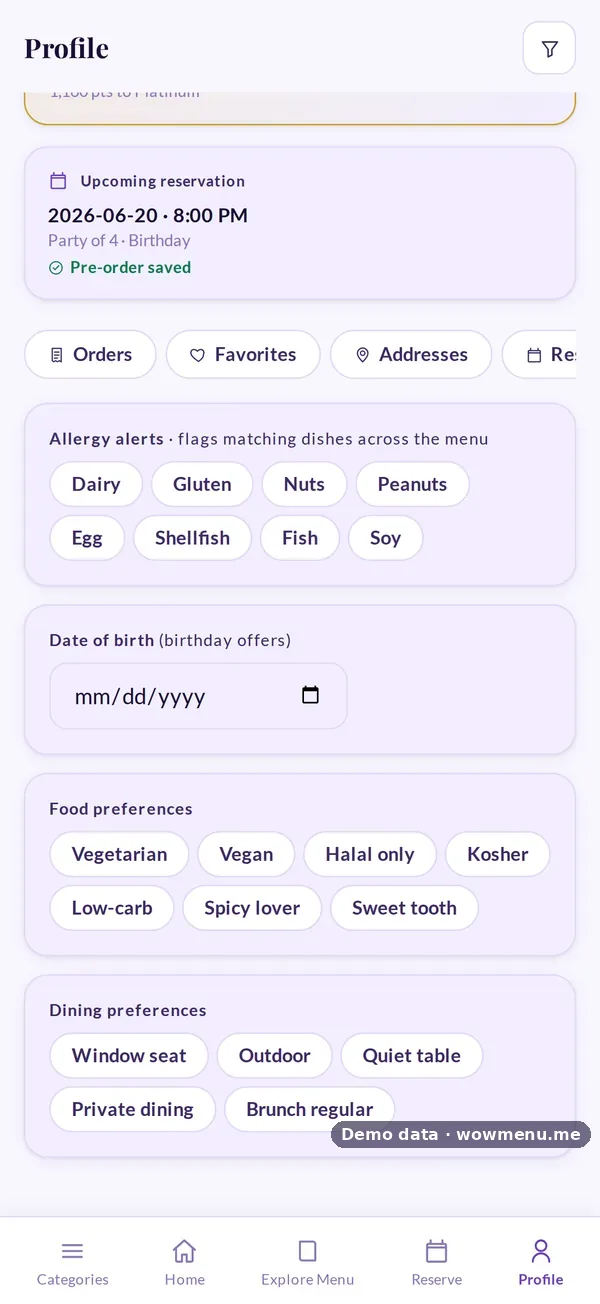
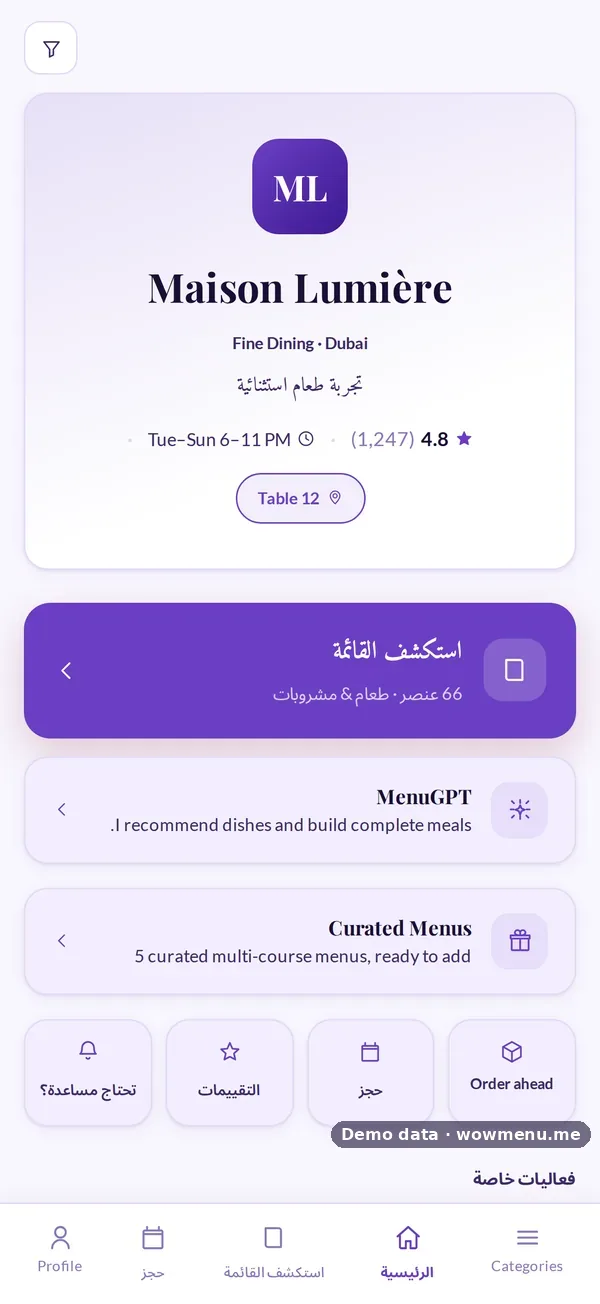
Running a Multilingual Restaurant Floor With a Staff Language
In many restaurants, the guest orders in one language, the server thinks in another and the kitchen works in a third. Most of the time it works. On a busy night, small misunderstandings creep in: the wrong size, a missed note, an allergy that did not quite land. A staff language closes that gap.
What a staff language does
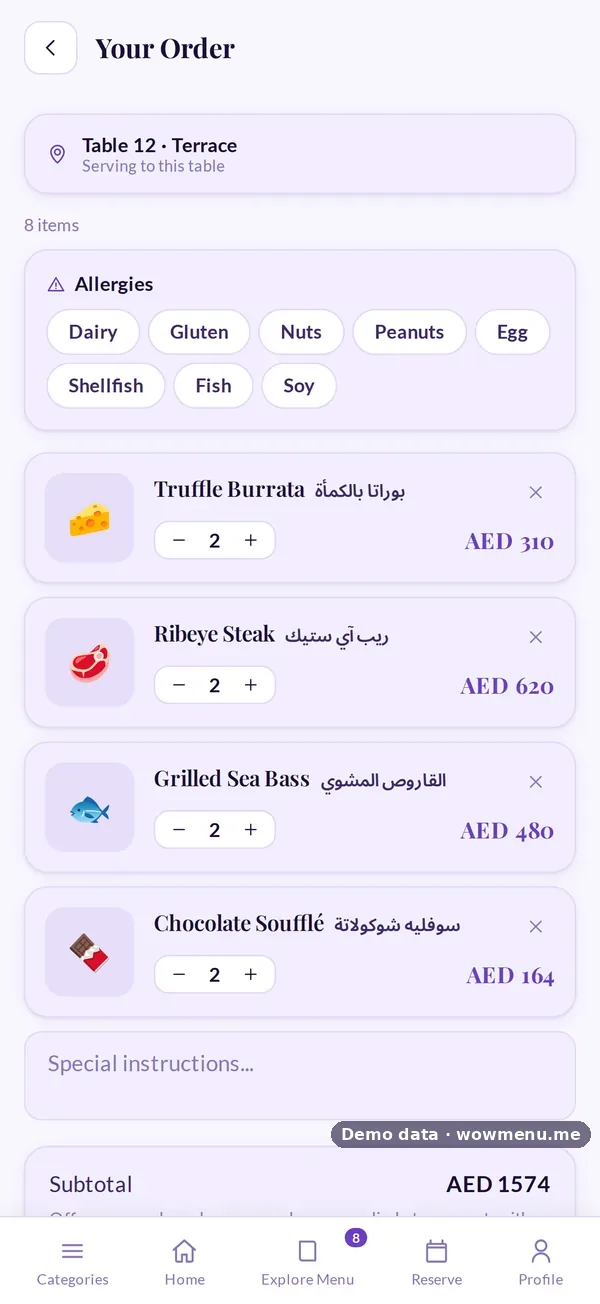
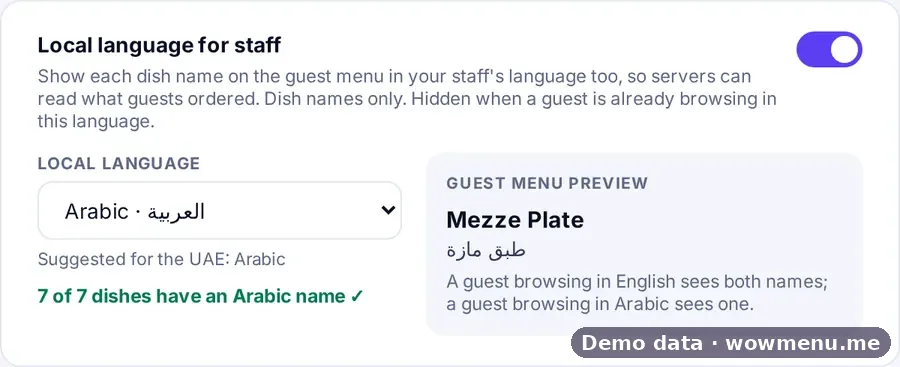
You choose one language for your team. Every dish name is then shown in that language too, alongside the guest's. When a server opens Show to staff, the order appears in large text in the team's language, so it can be read at a glance across the counter.

Separate from the guest's language
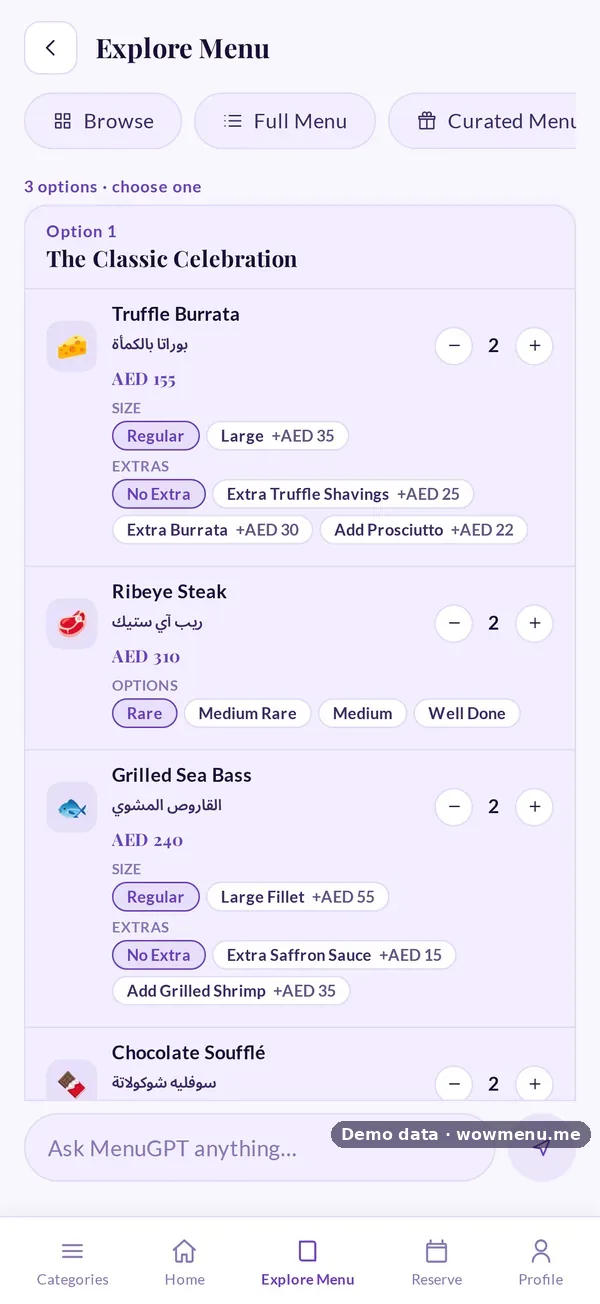
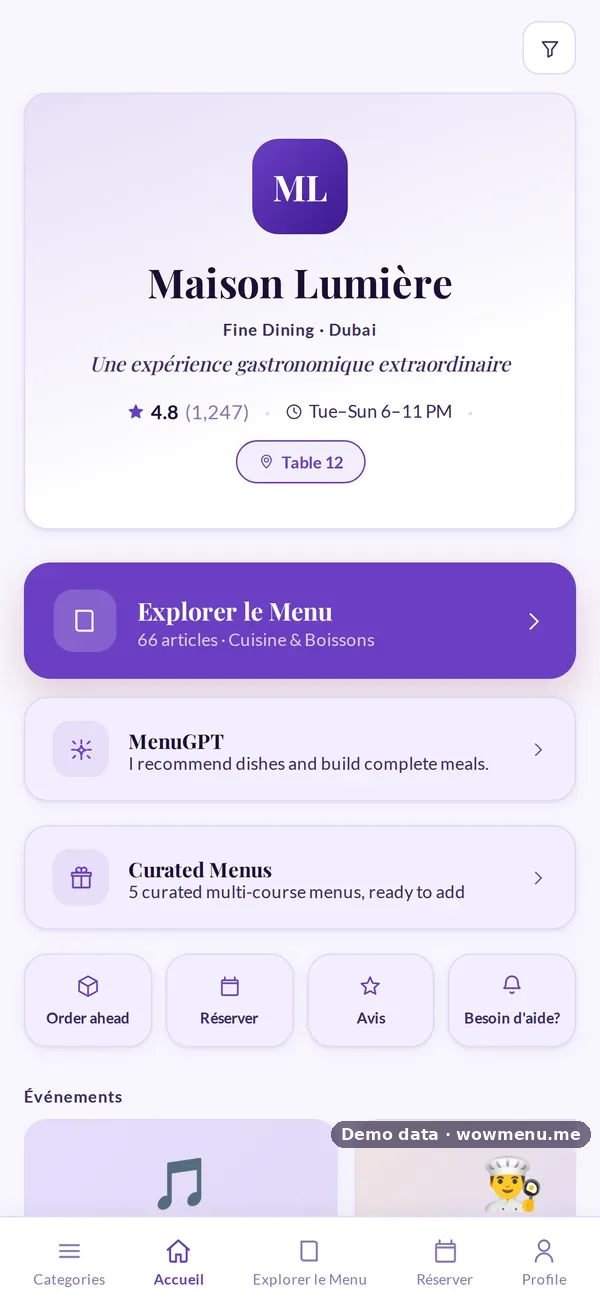
The staff language does not change what guests see. A guest browsing in French still reads French; a guest browsing in the staff language sees one name, not two.
Choosing the language
Pick the language most of your team reads most comfortably. WowMenu offers Arabic, English, Hindi, Urdu, Malayalam, Filipino, Bengali, Nepali, French, Vietnamese, Chinese and Russian.
Check your coverage
A staff language only helps if dishes have a name in it. The portal shows a coverage check, such as "7 of 7 dishes have an Arabic name", so you can see which dishes still need one. Auto-translate fills names in your menu languages, and you review them.
Rolling it out
- Choose the language and check coverage.
- Review the names of your top twenty dishes with a senior team member.
- Show the team Show to staff in a pre-shift briefing.
- Ask servers to use it for every order with allergies or special requests.
Where it helps most
- Kitchens and floors where the team shares a language that is not the guests'
- Busy passes where orders are read at a distance
- Orders with allergies or special requests
- New team members still learning the menu
See staff-language ordering and multi-language menus.