Pre-orders turn a booking into a planned service. The guest books, adds the meal in advance and sees Pre-order saved on their profile. The reservation in the Owner Portal carries the pre-order, its items and its value.
On the kitchen board, scheduled pre-orders sit in a panel above the live lanes with a suggested release time worked out from the booking time and how long each dish takes. Releasing is a one-tap decision, and the pre-order becomes Round 1 when the party is seated. Order ahead for pickup or delivery uses the same kitchen board.
Reservations and pre-orders are on the Suite plan.
A pre-order, from the booking to the plate
The guest pre-orders with the booking, the owner sees it on the reservation, and the kitchen releases it on time.
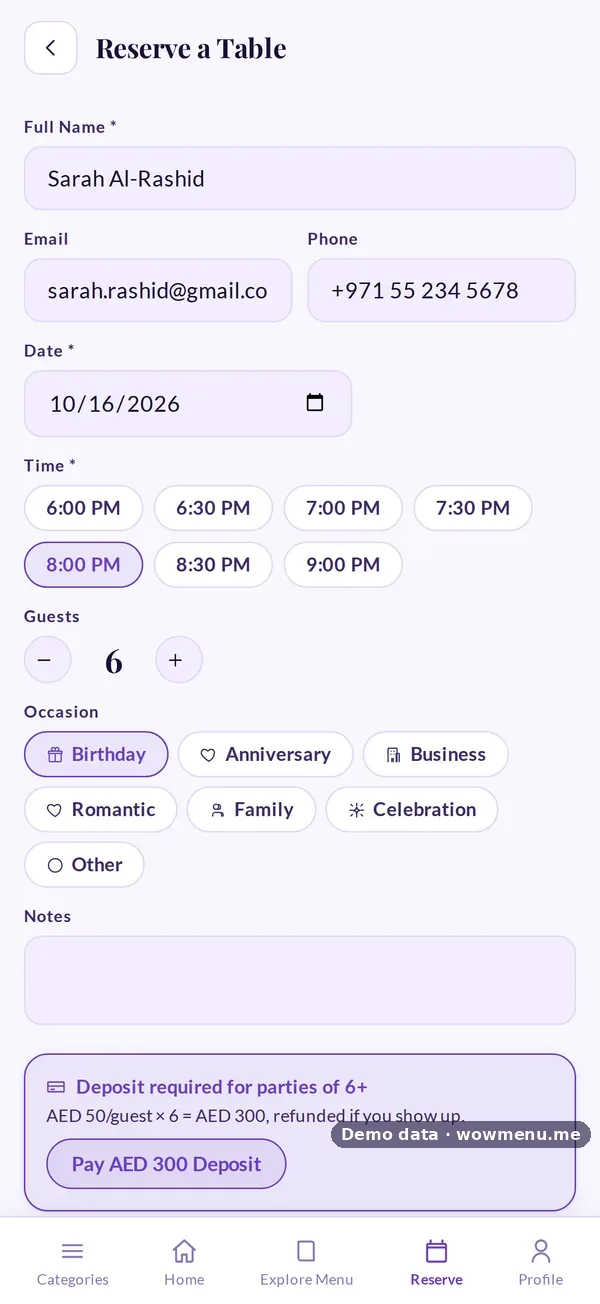
The guest books, with a deposit for larger parties, and adds the meal in advance.
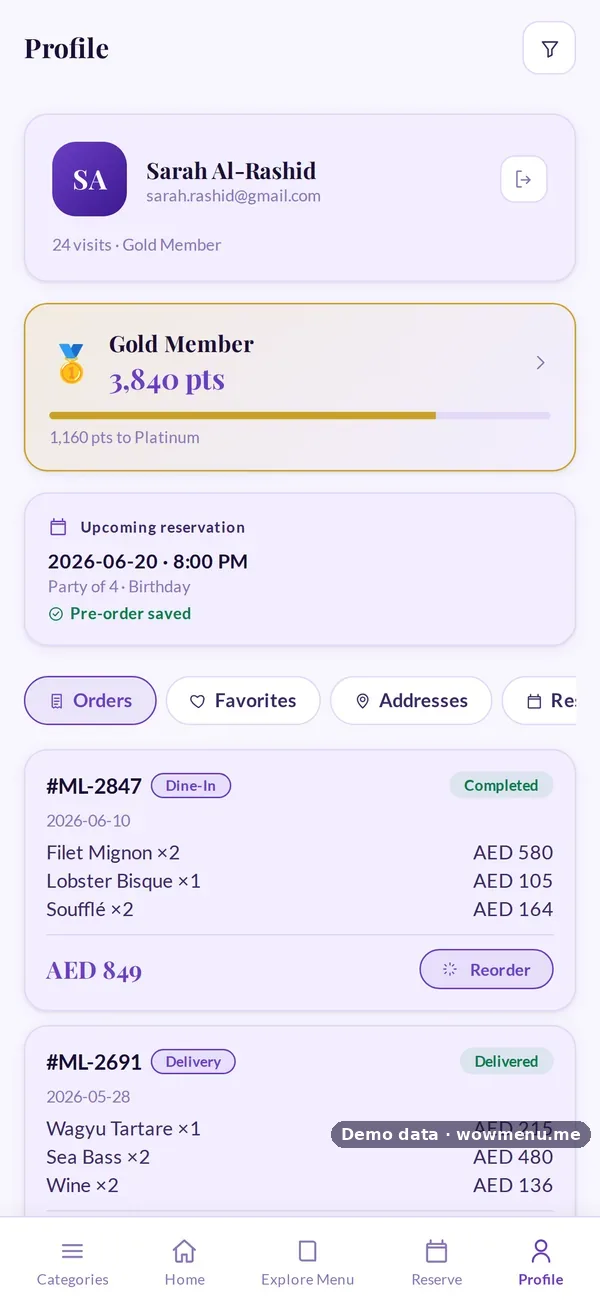
The upcoming booking shows Pre-order saved.
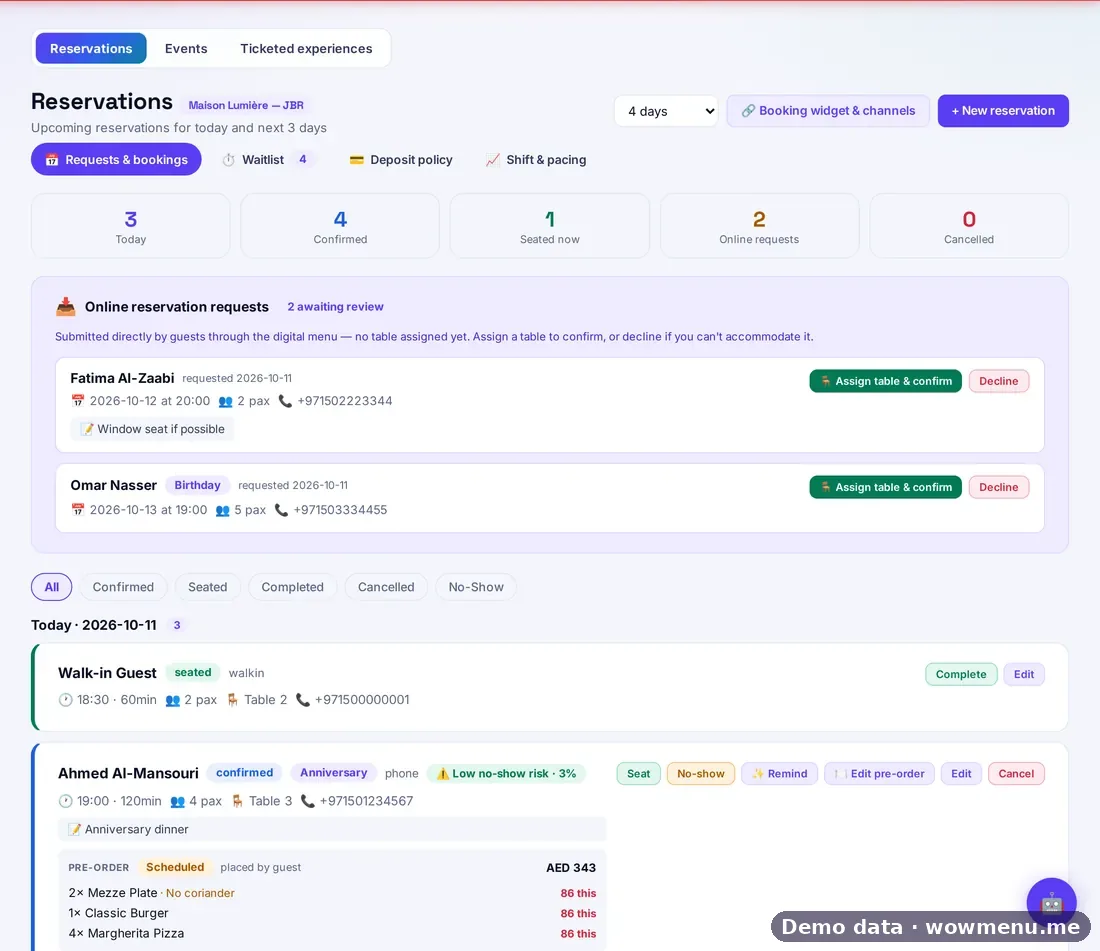
The reservation carries the pre-order, its items and its value.
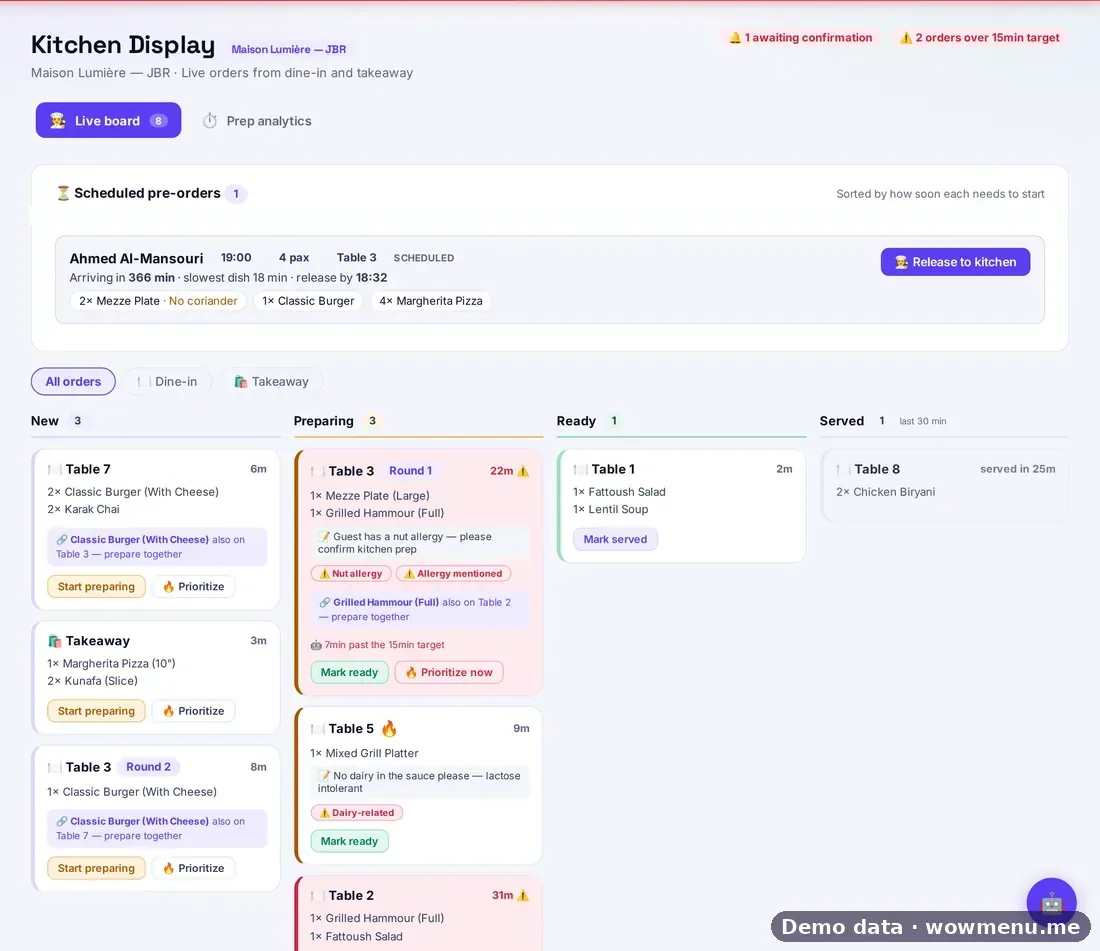
The release time is worked out from the booking time and how long each dish takes. One tap releases it.
Order ahead works the same way
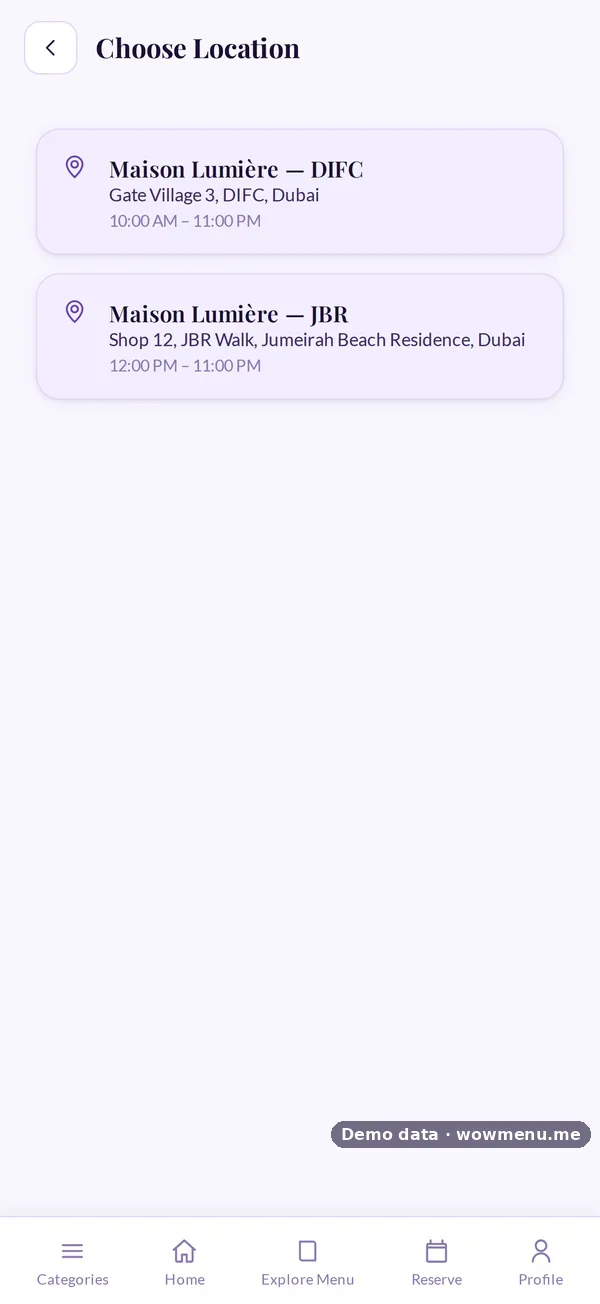
Guests choose the branch, verify their mobile number and order for pickup or delivery. The order lands on the same kitchen board.

Key benefits
What Pre-orders & Order Ahead does for your restaurant
Pre-order with the booking
The guest adds the meal when they book, with a deposit for larger parties.
Visible on the reservation
The owner sees the pre-order, its items and value on the booking.
Released on time
A suggested release time and a one-tap release in the kitchen.
How it works
The guest books
A guided booking with occasion and notes, and a deposit where your rules require one.
Adds the meal
The pre-order is saved to the booking and the guest profile.
The kitchen plans
The scheduled panel shows a suggested release time.
Seated, then served
One tap releases it, and it becomes Round 1 when the party sits down.
Frequently asked
How is the release time worked out?
It is worked out from the booking time and how long each dish takes.
Can guests order ahead for pickup?
Yes. They choose the branch, verify their number and order for pickup or delivery.
Does the owner see pre-orders?
Yes. The reservation shows the pre-order, its items and value.
Which plan includes pre-orders?
Reservations and pre-orders are on Suite.