QR Ordering for Hotel Restaurants and Room Service
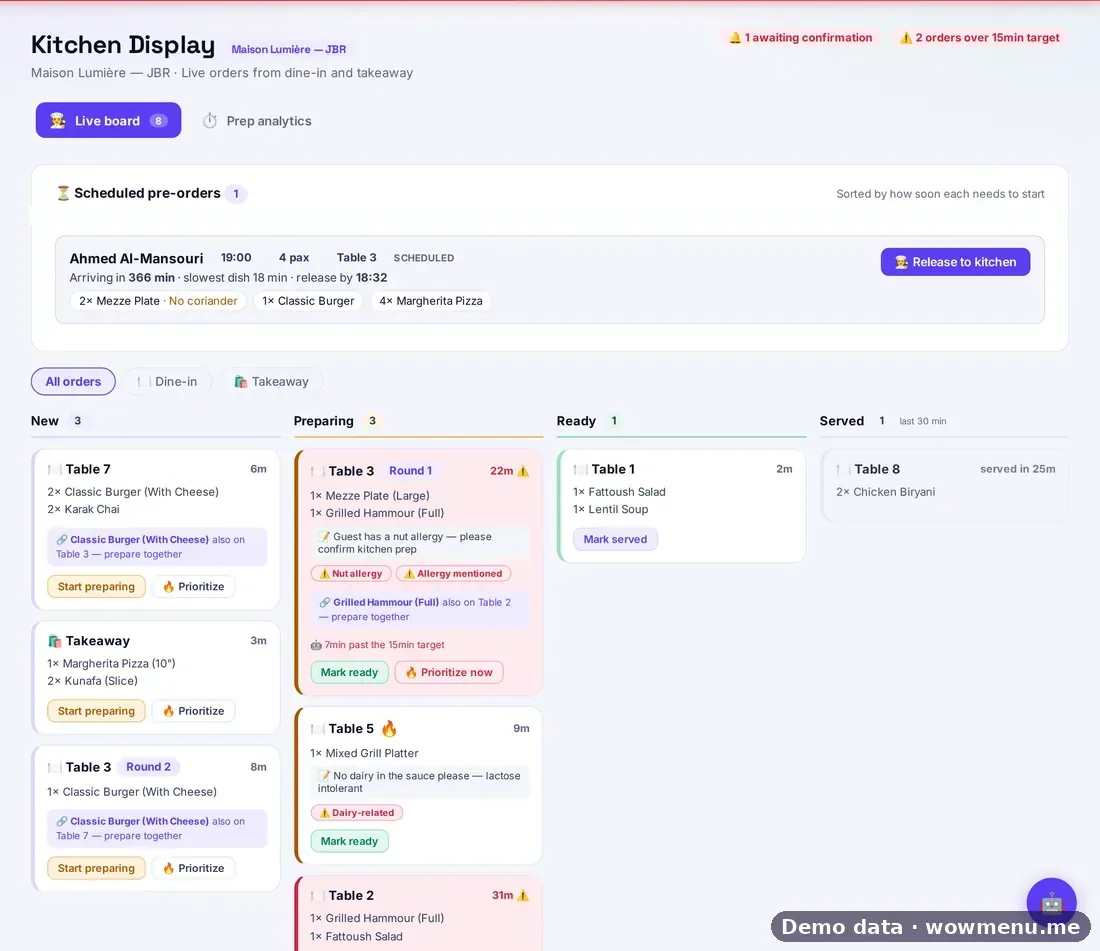
Hotels serve guests in more places than most restaurants: the all-day restaurant, the terrace, the pool bar and the guest's own room. The guests come from everywhere and order at all hours. QR ordering suits hotels well, as long as it respects how hotel service works.
Room, not Table
In a hotel account, the menu shows Room instead of Table, so in-room orders are labelled and routed correctly. A QR code in each room opens the in-room dining menu, in the guest's language.
Confirm before the kitchen starts
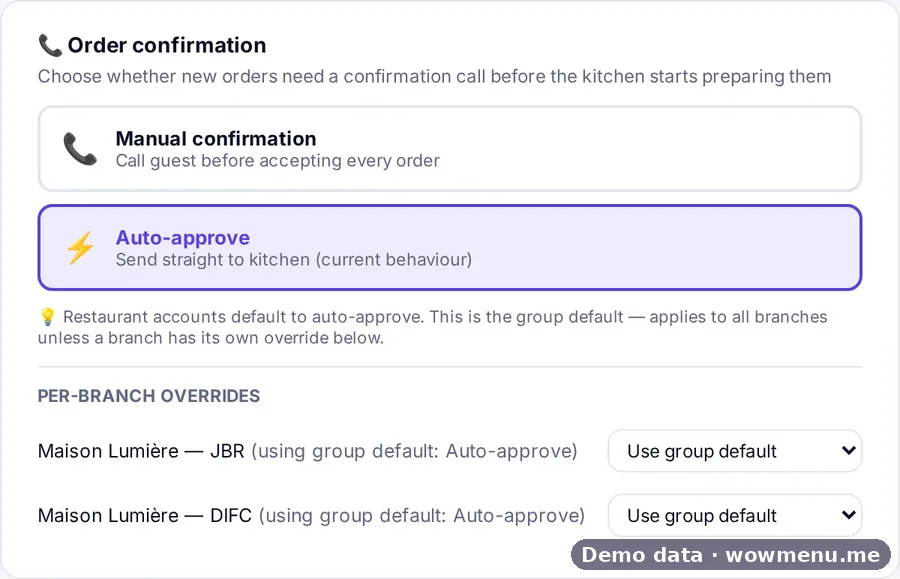
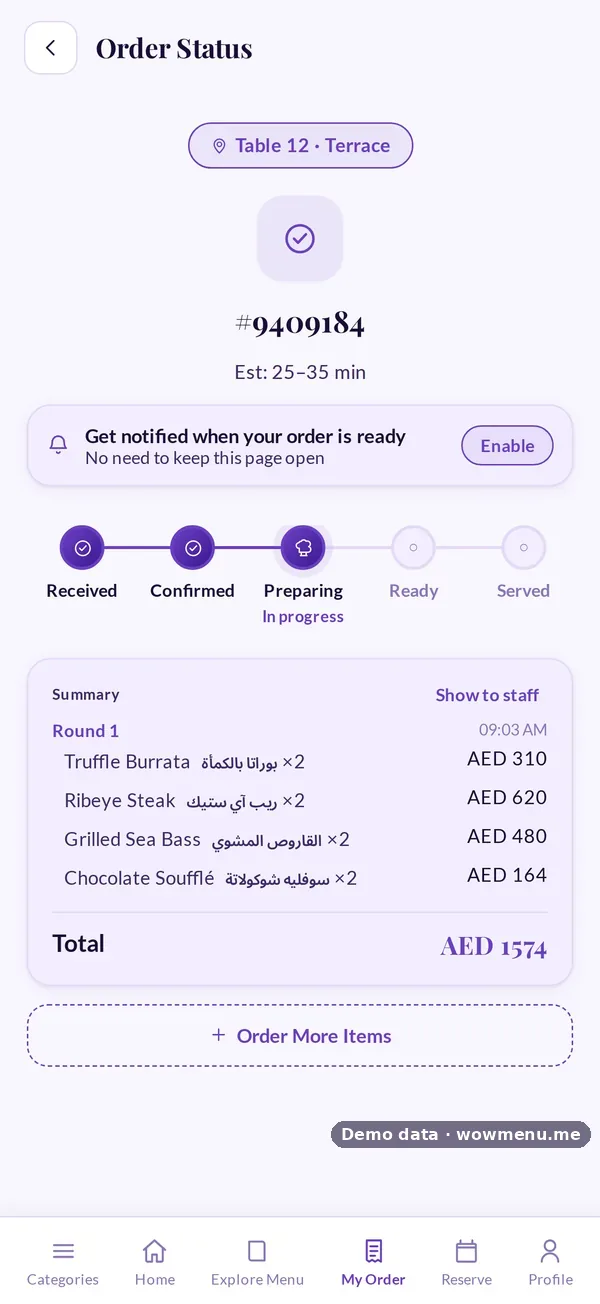
Hotels often want to confirm an order before cooking, to check the room, the charge or a special request. With manual confirmation, a new order waits for your team, and the guest sees it move from Received to Confirmed. Manual confirmation is the default for hotels, and you can override it per outlet.
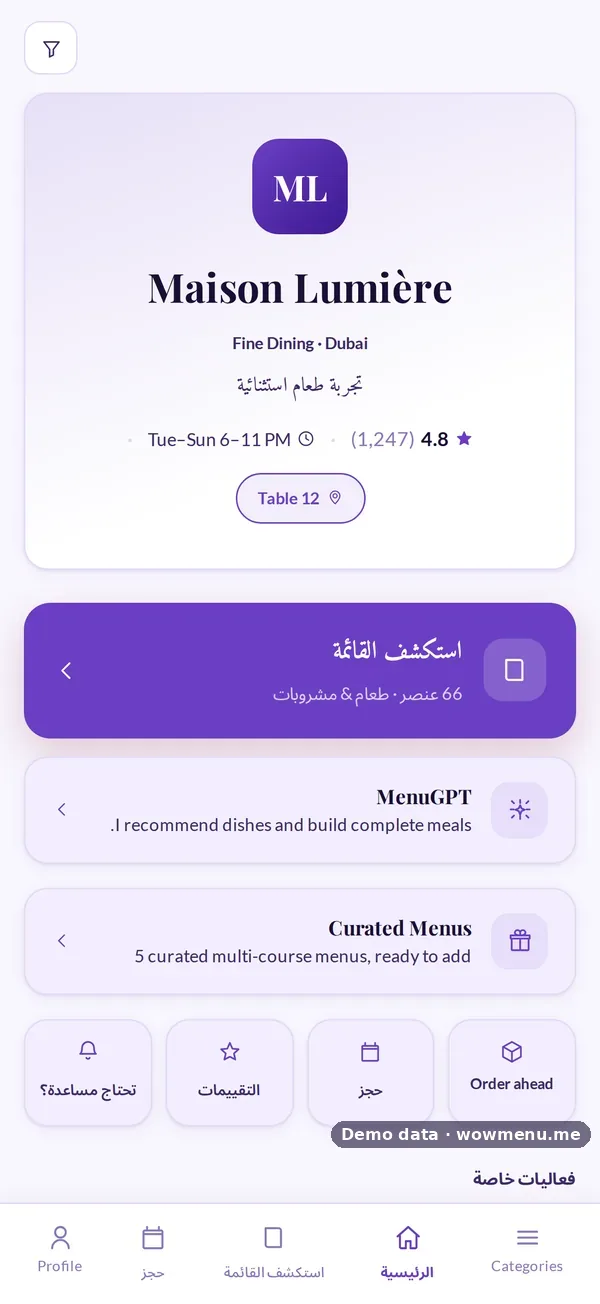
One portal, every outlet
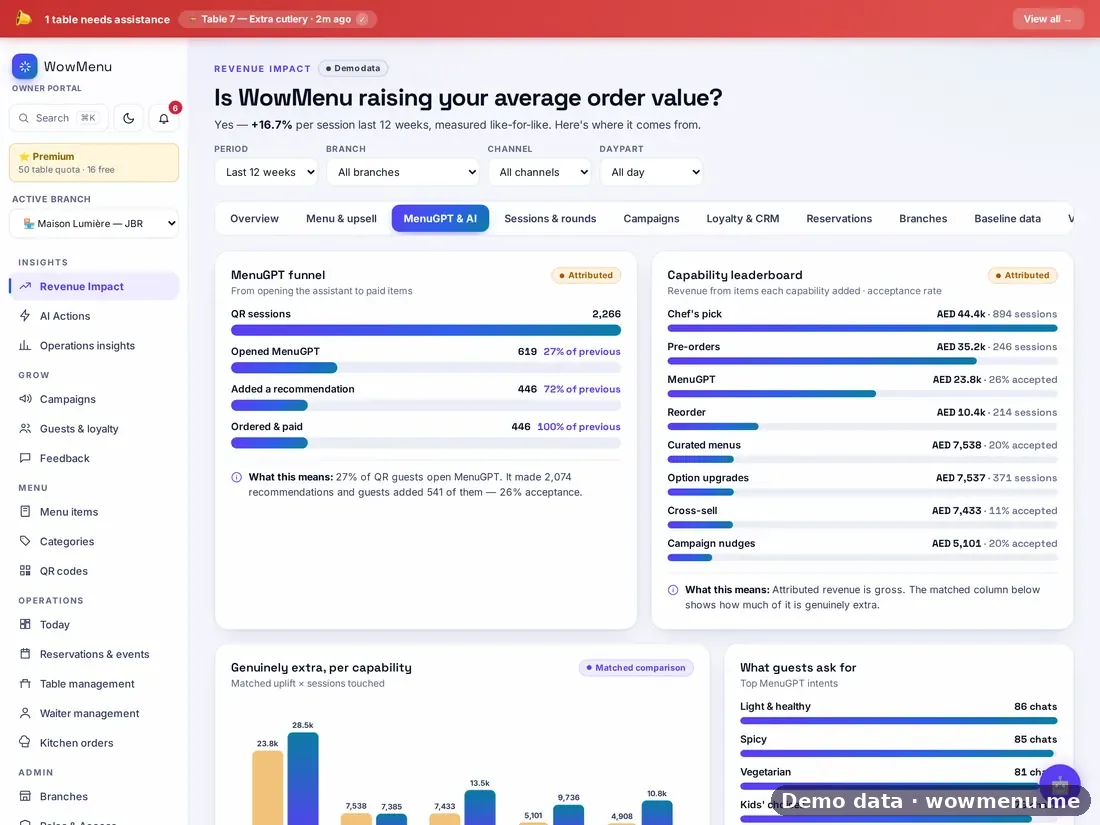
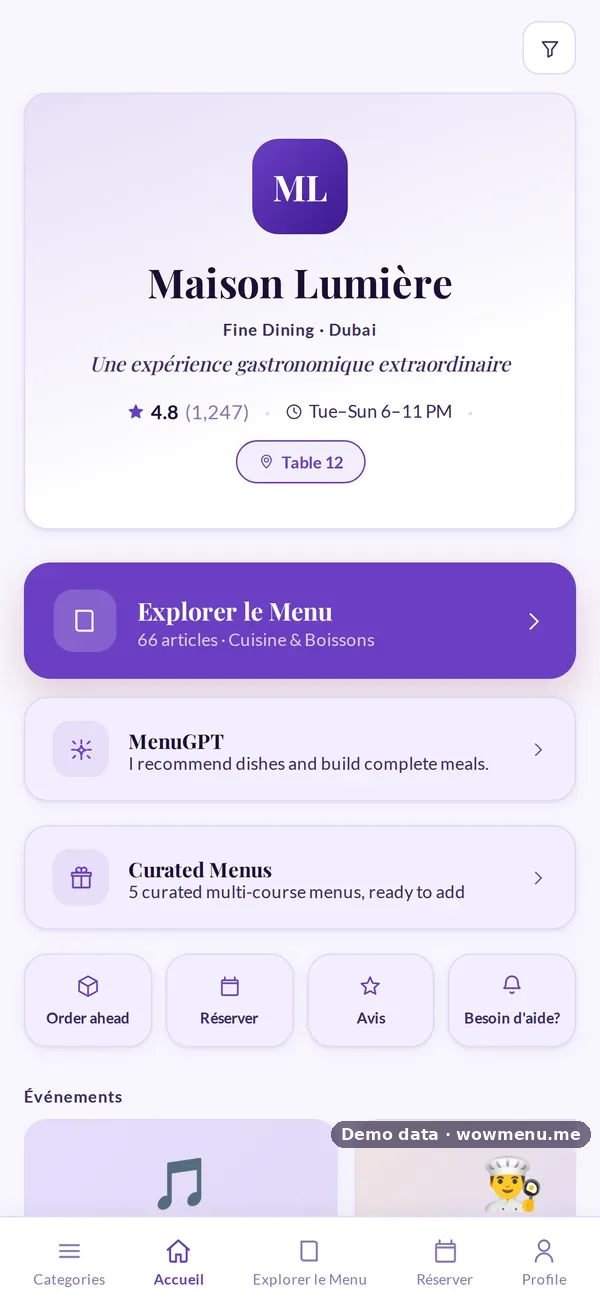
Each outlet keeps its own menu, tables or rooms, QR codes, hours and billing identity, while guests keep one profile across the property. Events, such as a weekly live music night on the terrace, can run in one outlet or all of them.
Promote in-room dining
Campaign templates include an In-Room Dining Evening Special, so you can promote room service in the quieter evening hours.
Languages and invoices
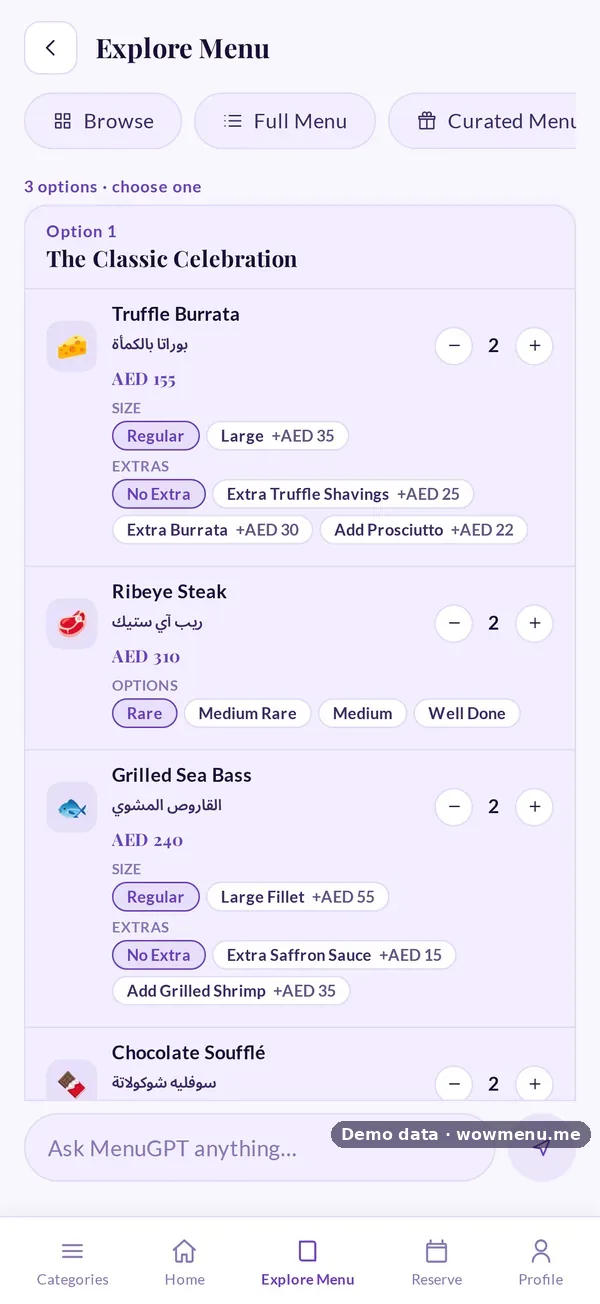
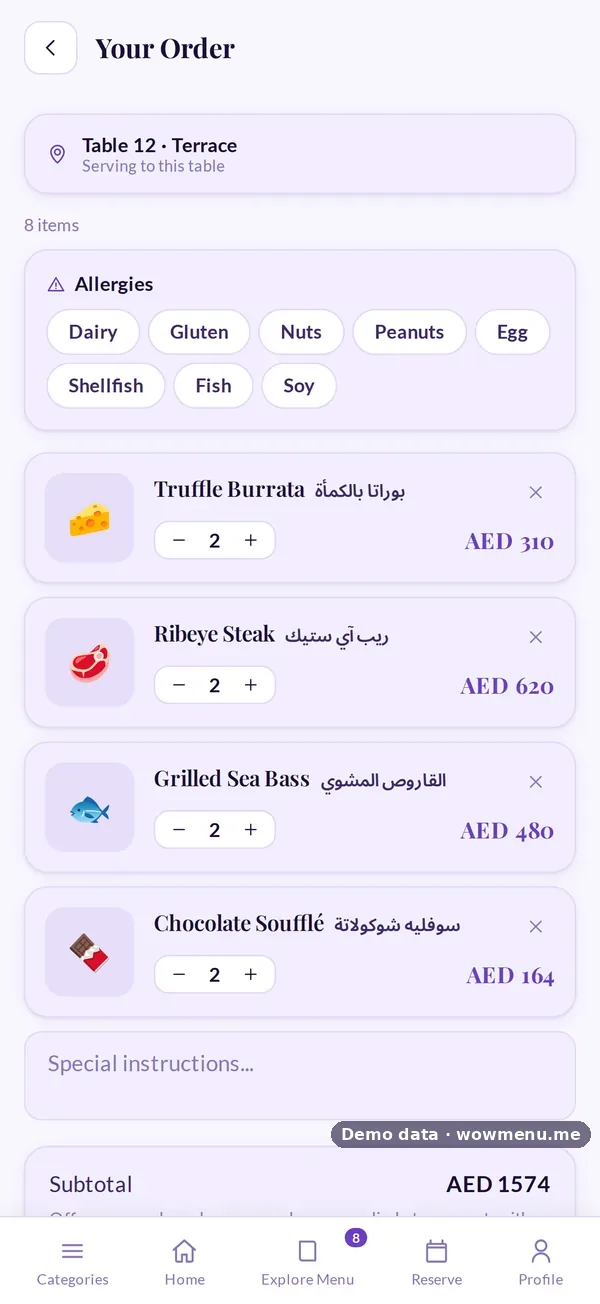
International guests read the menu in their own language, with Arabic laid out right to left. Invoices follow the country's tax profile, and can show Arabic and English side by side in the Gulf.
Getting started
- Set up each outlet with its hours and codes.
- Choose manual confirmation for room service.
- Put a QR code in each room with a short welcome line.
- Schedule the In-Room Dining Evening Special.
See WowMenu for hotel restaurants, or for the UAE, restaurants and hotels in Abu Dhabi.