QR Ordering System Explained: How It Works for Restaurants
A QR code on a table can mean two very different things. On some, it opens a picture of the menu and the guest still waits for a server. On others, the guest can order, follow the order and pay, all from their own phone. The second kind is a QR ordering system, and it changes how a service runs.
QR menu or QR ordering system?
A QR menu replaces the printed card. A QR ordering system replaces the walk between the table, the server's notepad and the kitchen. The menu is the same; what happens after the guest decides is completely different.
How an order travels, step by step
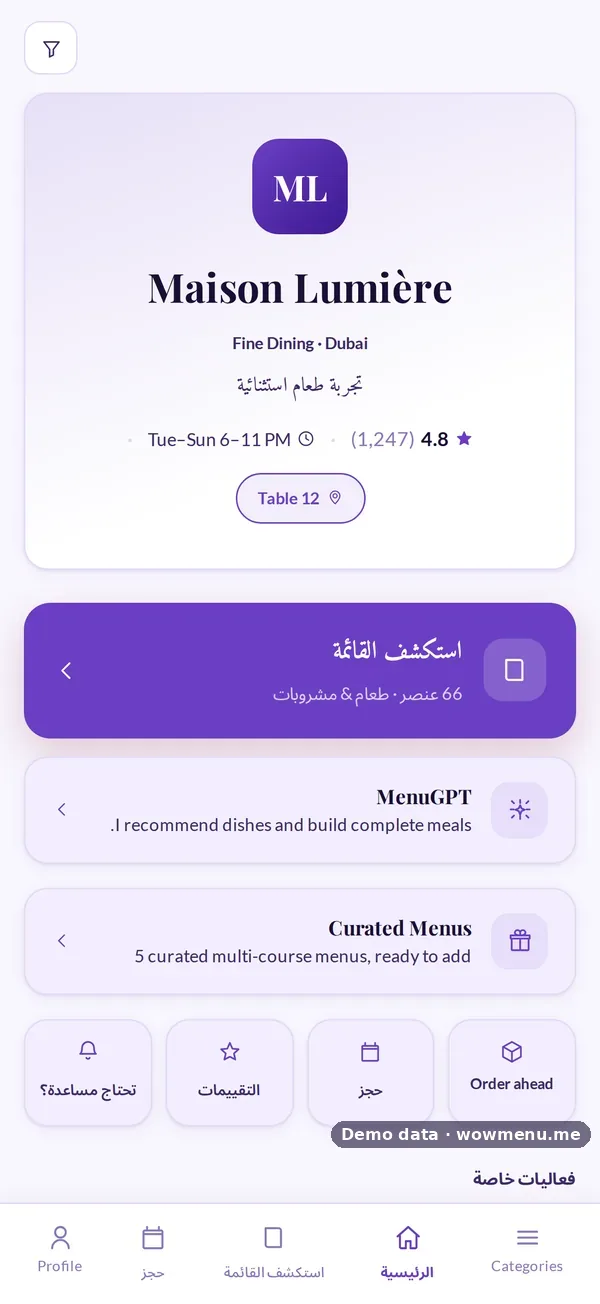
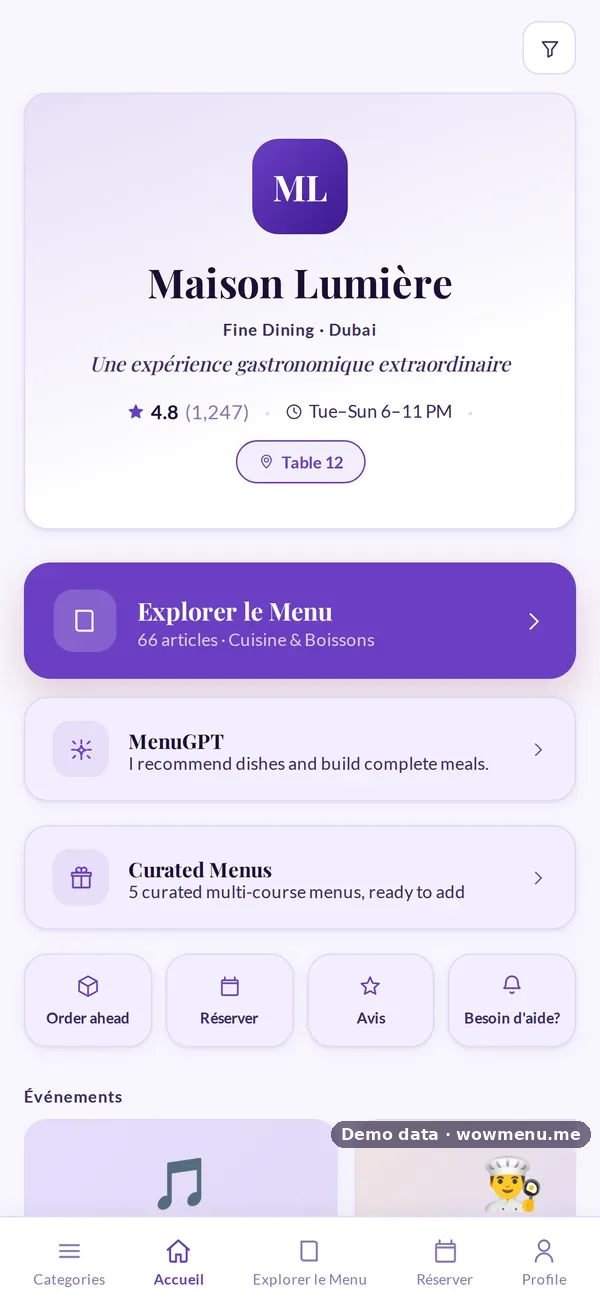
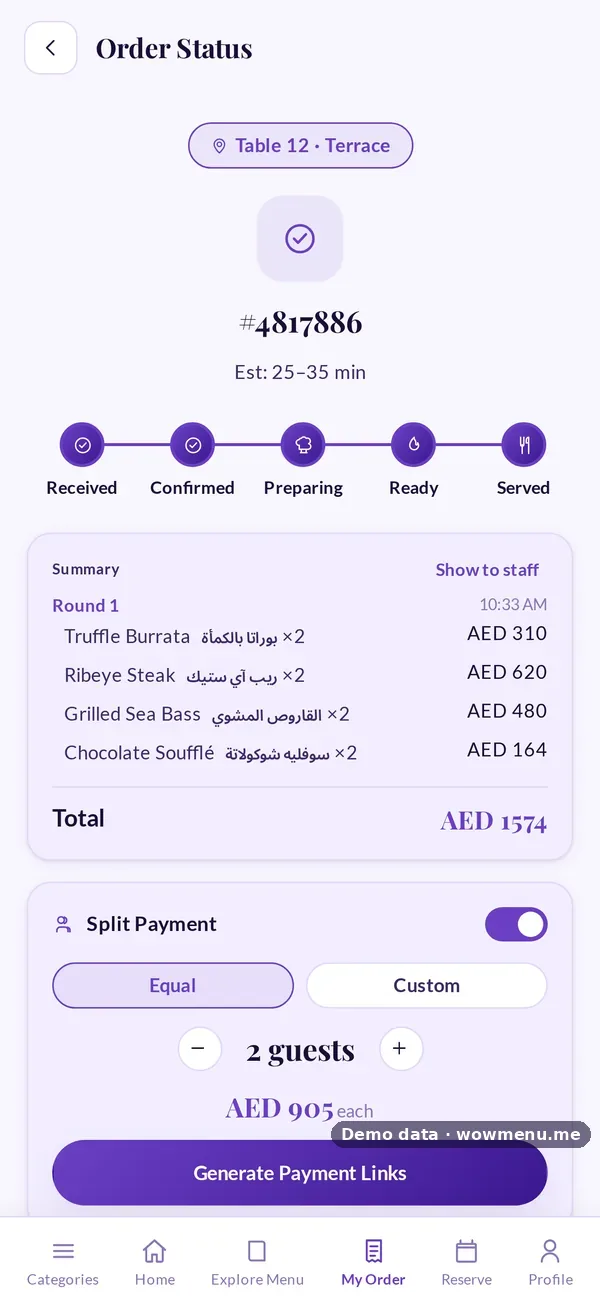
1. The guest scans the table's code. The menu opens in the phone's browser, with no app to download. A confirmation such as "Table 12 · Terrace" lets a guest who scanned the wrong code notice before they order.
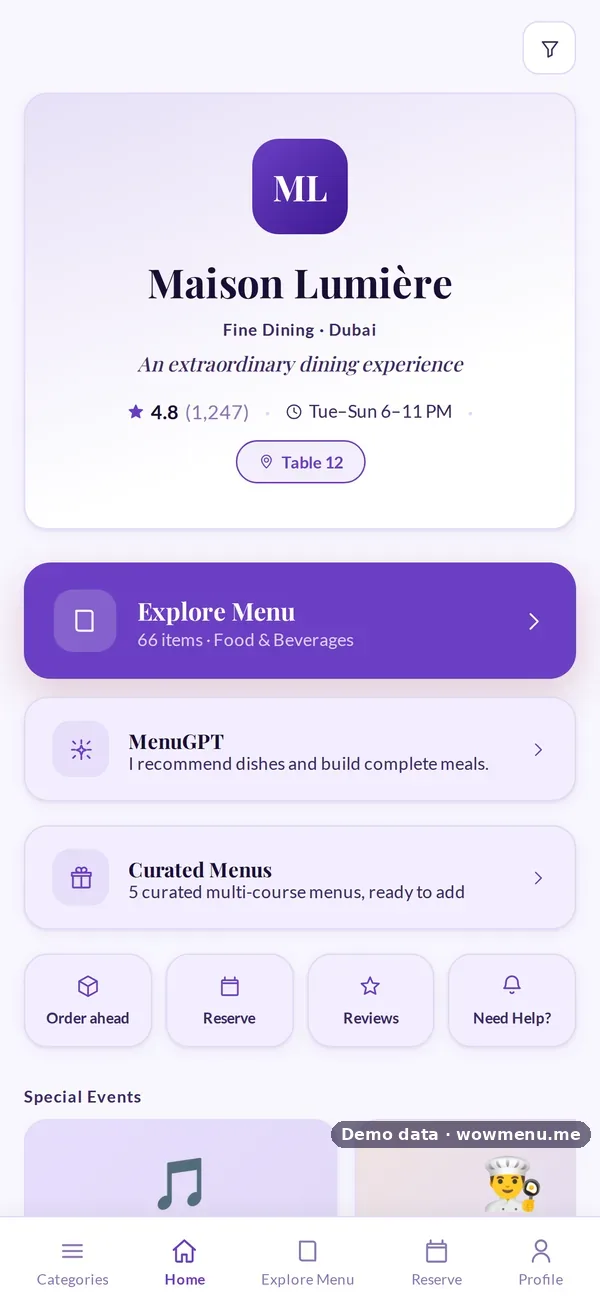
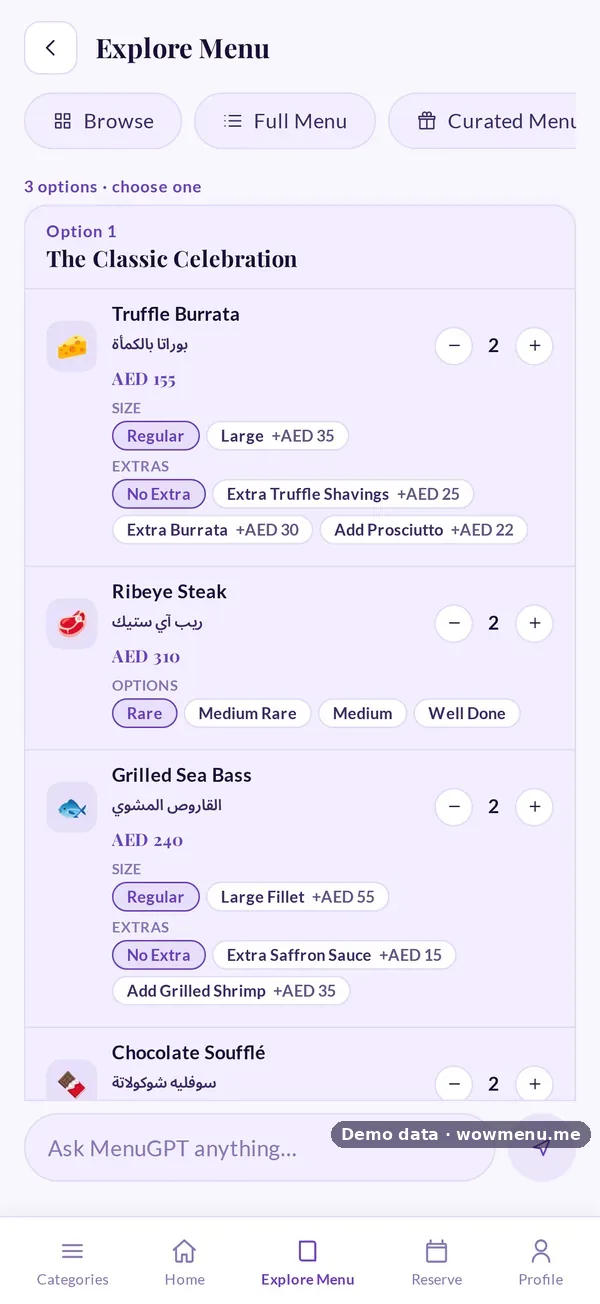
2. They browse, filter and ask. Guests filter by dietary need, spice level or allergen, check what each dish contains, and can ask MenuGPT for a recommendation.
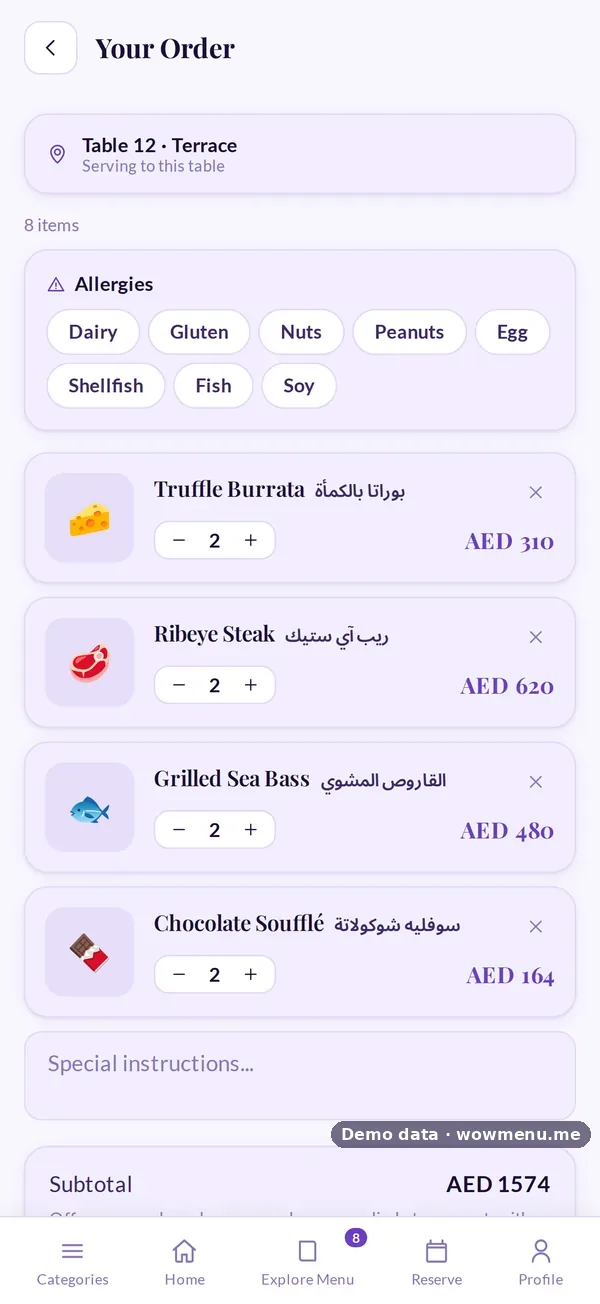
3. They build the order. Sizes, extras, notes and allergies go with each dish, so nothing has to be remembered and repeated.
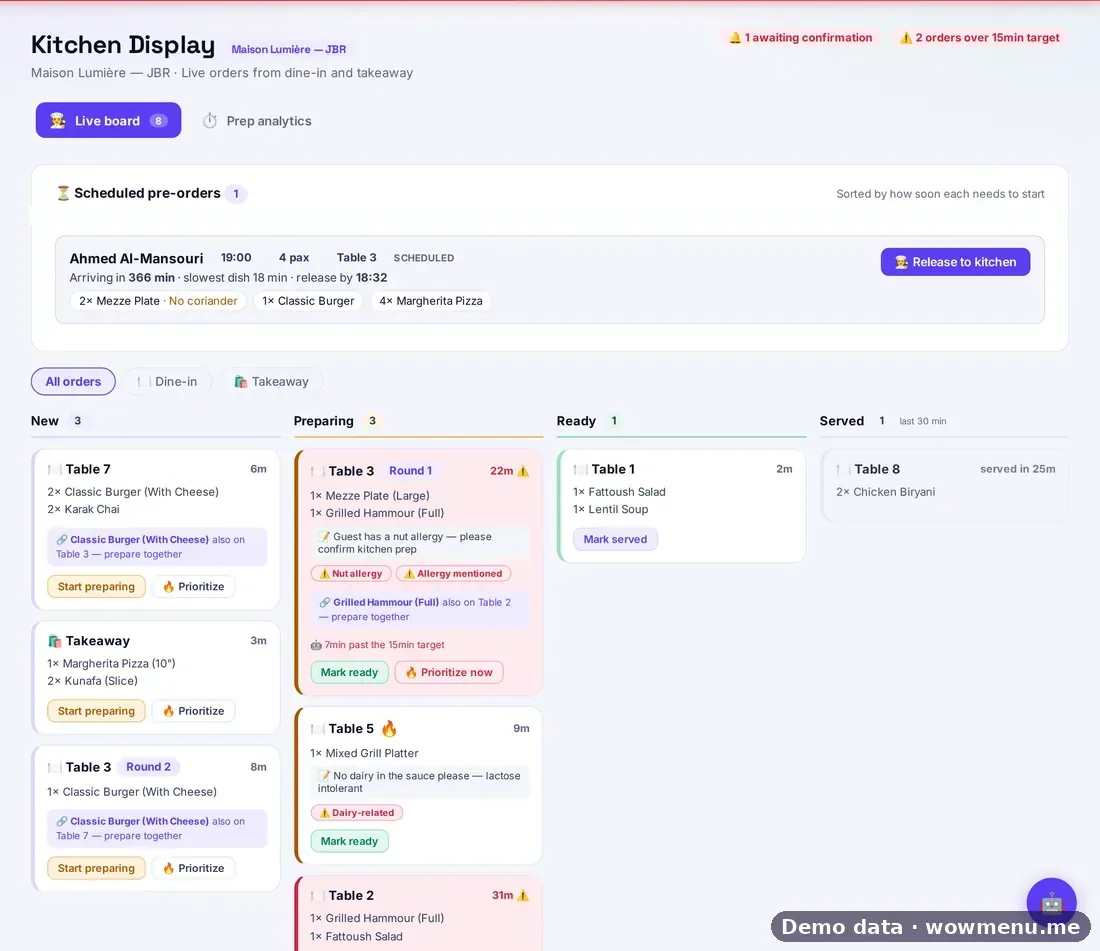
4. The ticket reaches the kitchen. The order lands on the kitchen display, on the same live board as orders taken by waiters. If the table orders again, the new round is grouped with the first.
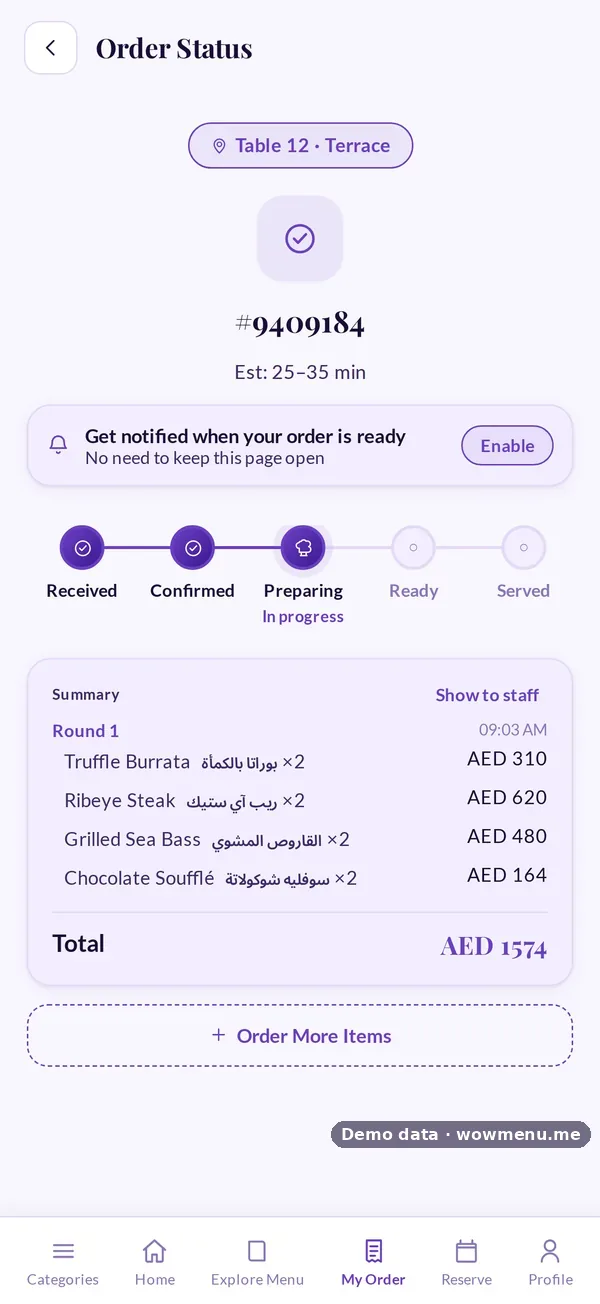
5. The guest follows the order. The status moves from Received to Confirmed, Preparing, Ready and Served, and one-tap requests (water, cutlery, the bill) reach staff without anyone waving across the room.
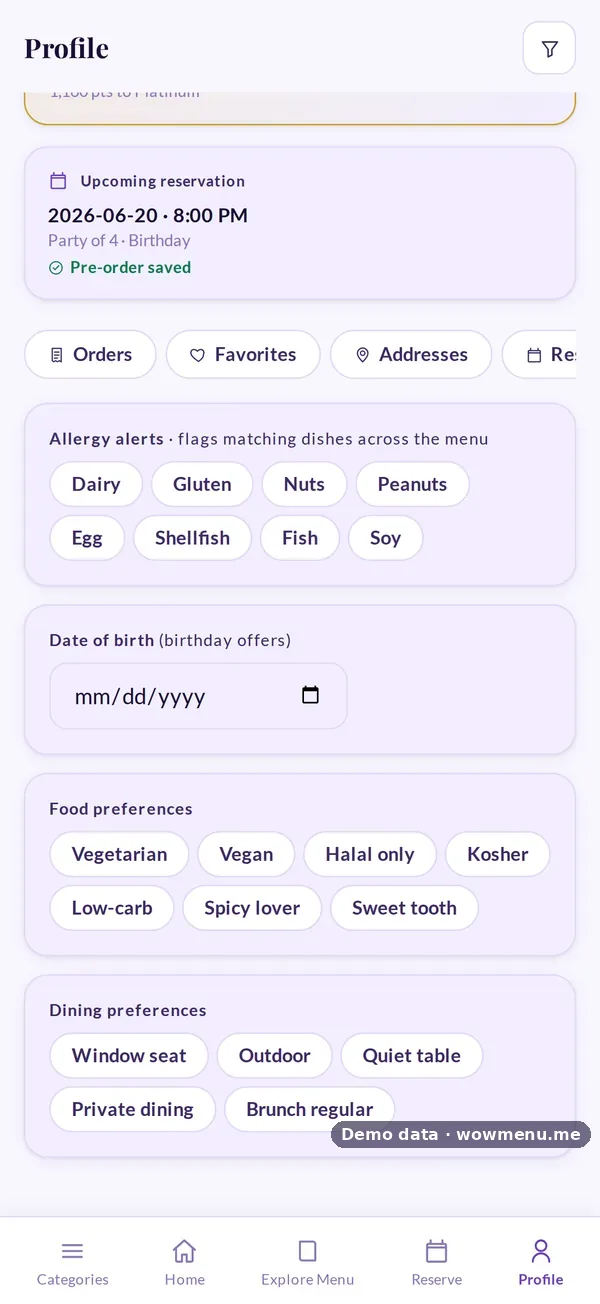
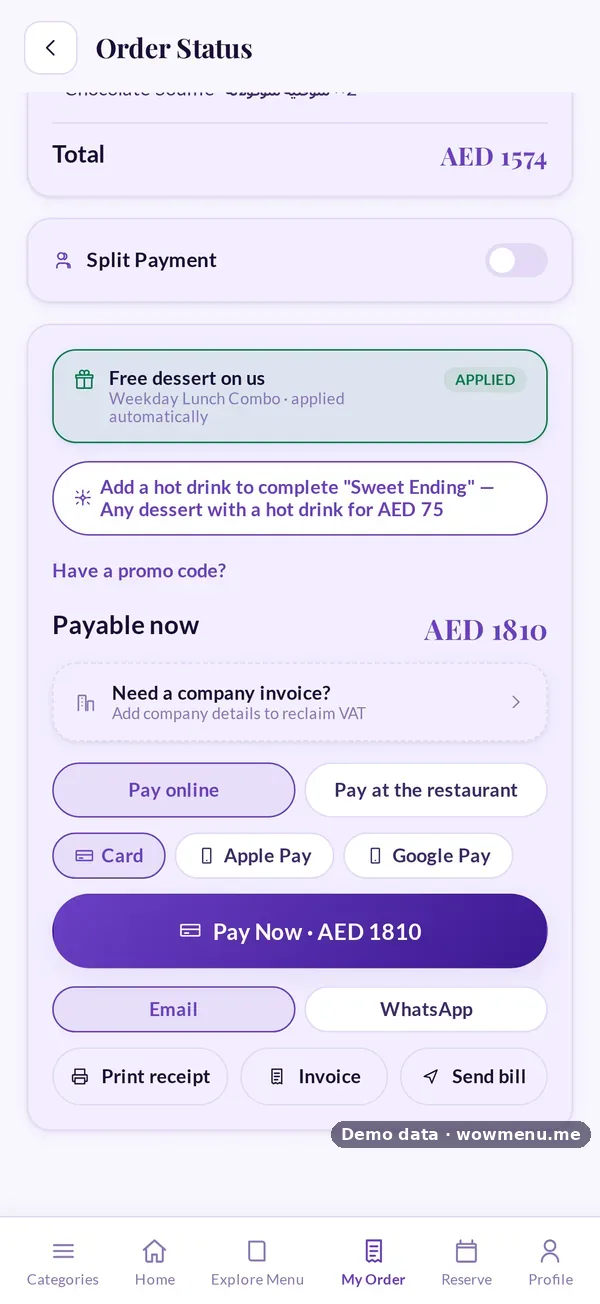
6. They pay when they are ready. Online by card, Apple Pay or Google Pay, or at the table with a payment reference. Friends can split the bill equally or by custom amounts.
Three codes, three jobs
A good system gives you more than one kind of code. Table codes tie orders to a table. A main-door code opens the menu without a table attached, for browsing, reserving or ordering ahead. A takeaway code at the counter sends orders to the same kitchen board, kept apart from dine-in.
What changes for your team
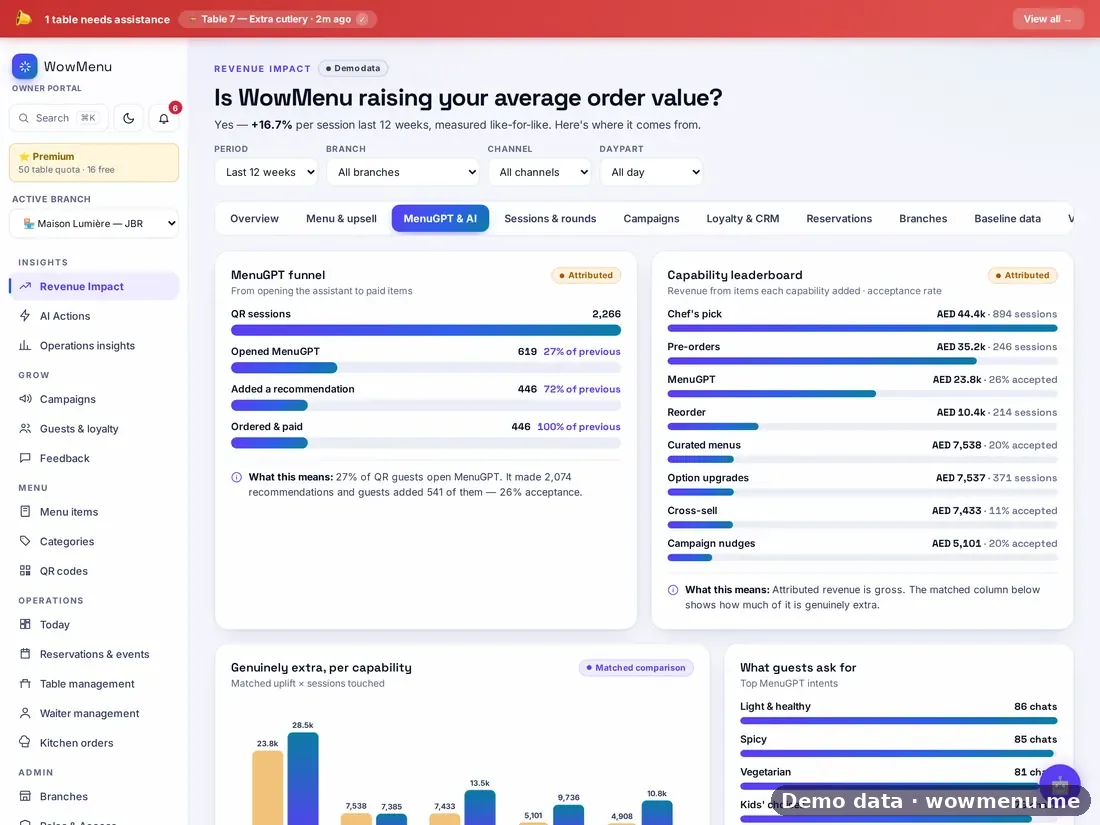
Servers spend less time taking orders and more time looking after guests. The kitchen gets complete, legible tickets. Managers can see which tables are waiting, which tickets are running late and who needs help.
It does not remove table service. Guests who prefer to order through a server still can, and those orders land on the same board.
What to check before you choose
- No app. Guests should never have to download anything.
- Your POS stays. Orders should flow into the POS you already run. WowMenu works with Square, Lightspeed and Foodics.
- Payments your guests use. Card, wallets and paying staff at the table, plus split bills.
- Allergies handled properly. Allergens on the dish, allergies on the order and flags on the kitchen ticket, with your team confirming. Read about allergen information.
- Languages. Guests should be able to order in their own language.
- Commission. Direct orders should not carry a commission. WowMenu doesn't take one.
Common worries
"Our guests like being served." They still are. QR ordering takes the waiting out of the routine parts of a visit: getting a menu, placing an order, asking for the bill.
"Older guests won't use it." Some won't, and they don't have to. Waiters can take orders as usual.
"It will feel impersonal." Not if the menu remembers a regular's allergies and favourites, and your team has more time for conversation.
How WowMenu does it
WowMenu is a QR ordering system with a digital menu, MenuGPT, a kitchen display, payments and loyalty on one platform. Every plan starts with a 30-day free trial.