How to Measure What Your Menu Adds to Revenue
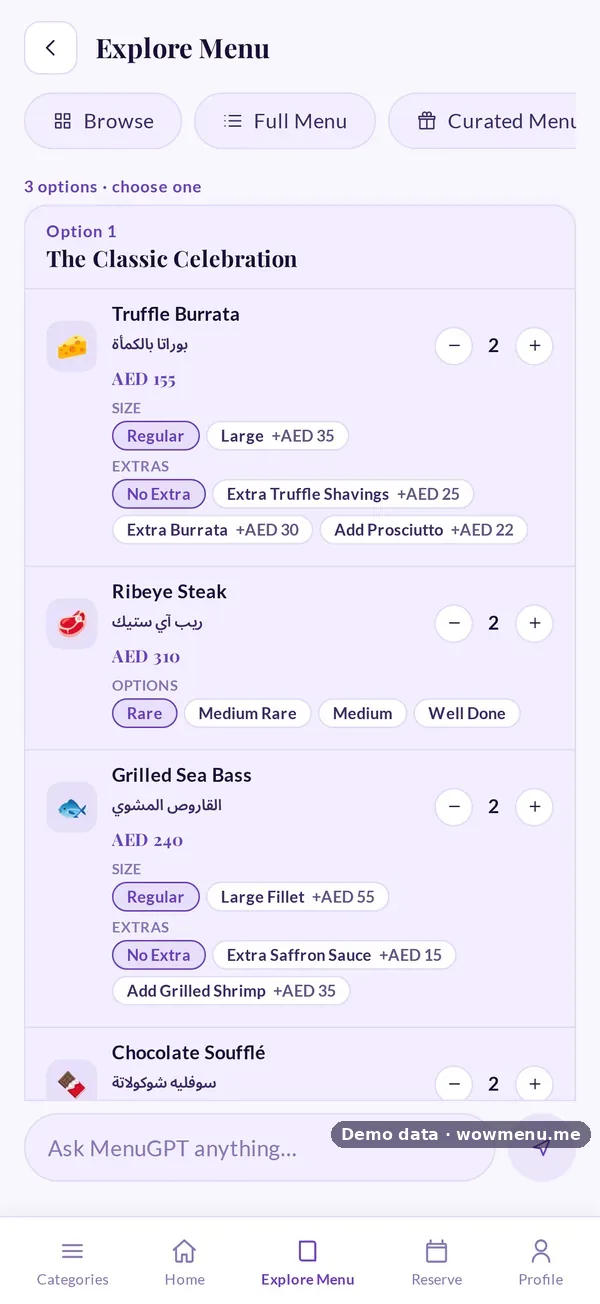
Every restaurant that changes its menu wants to know whether it worked. The trouble is that restaurants are noisy: seasons, weather, holidays, events and staffing all move the numbers. A good month after a change is not proof. Measuring properly means separating the change from everything else.
1. Start with a baseline
Before you change anything, record eight to twelve weeks of what you want to move: spend per cover, average bill per table, items per cover, attach rates for desserts and drinks, second rounds and repeat visits. Normalise for VAT and service charge so you compare like with like.
2. Compare like for like
Compare the same days of the week, the same dayparts and, where you can, the same season. A Friday dinner should be compared with Friday dinners, not with the weekly average.
3. Use the right kind of evidence
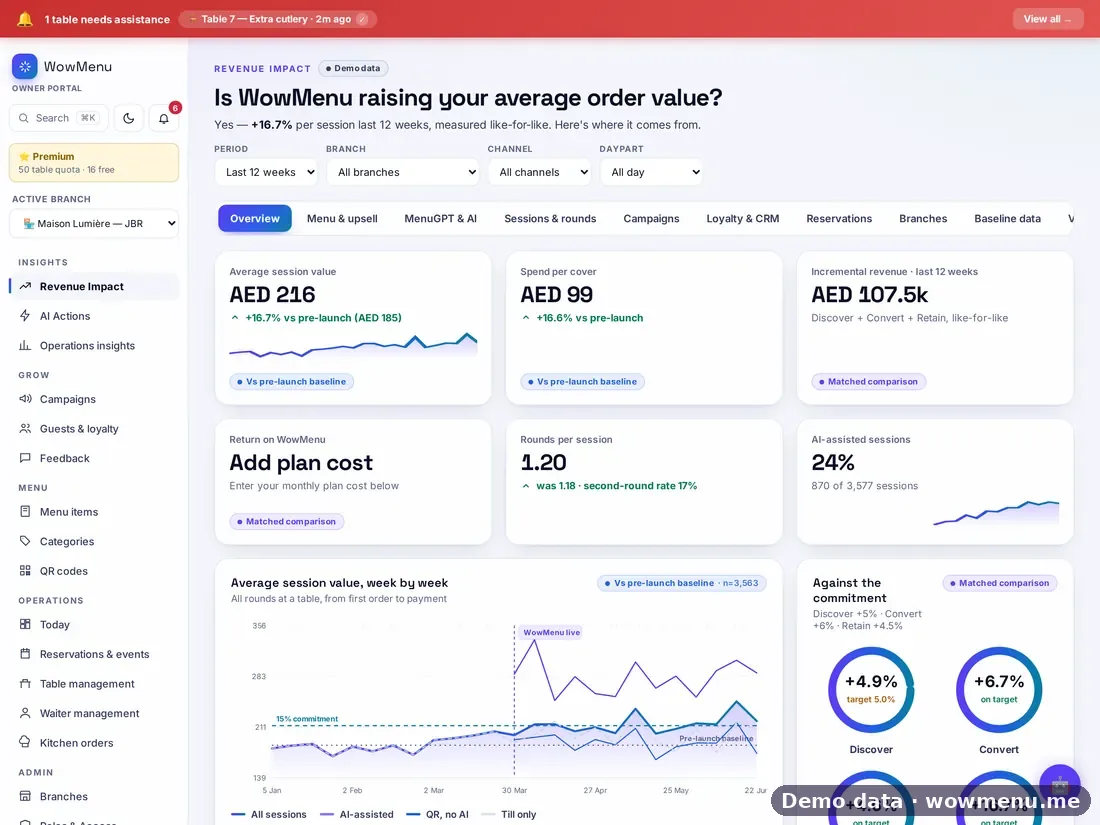
Not every number carries the same weight. Revenue Impact labels each figure by the kind of evidence behind it:
- Vs pre-launch baseline: compared with your own sales from before, like for like.
- Matched comparison: similar sessions compared with each other, for example tables that used MenuGPT against tables that did not.
- Attributed: revenue linked to something specific, such as orders that redeemed a campaign.
- Projection: an estimate before measured weeks exist, clearly marked as not measured.
4. Split the change into its parts
A single "+X%" hides what worked. Break the change in spend per table into Discover (what guests found), Convert (what they added) and Retain (whether they came back). Whatever the three do not explain stays visible as "other".

5. Watch the mechanisms, not just the total
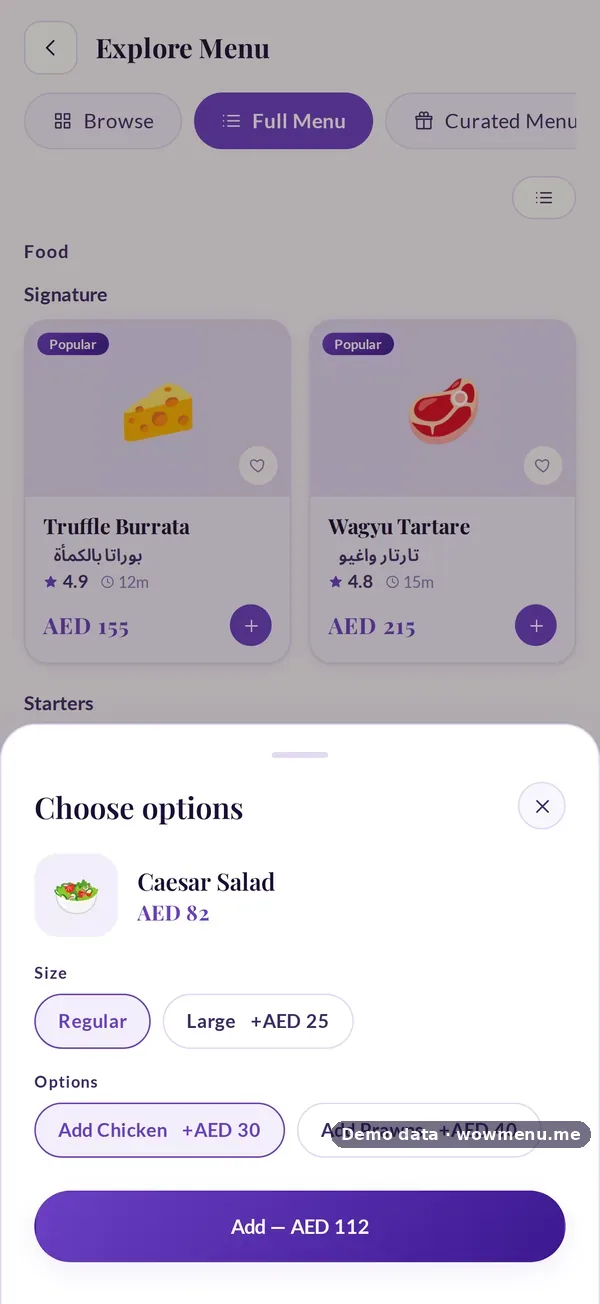
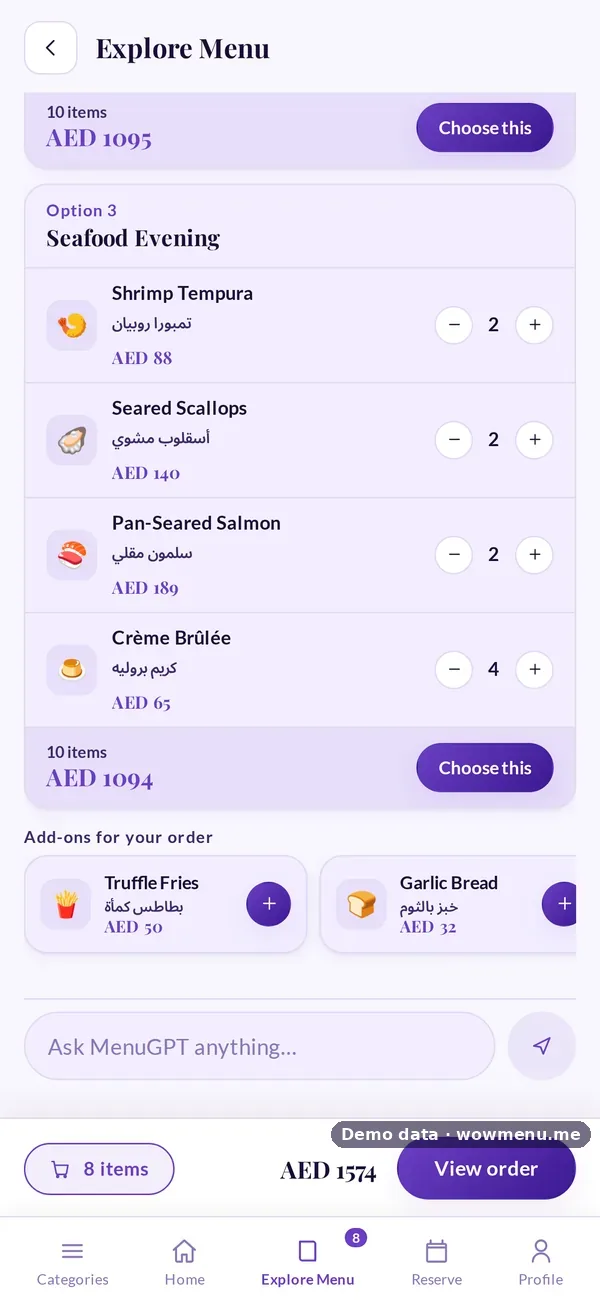
- MenuGPT: sessions, options added and orders paid
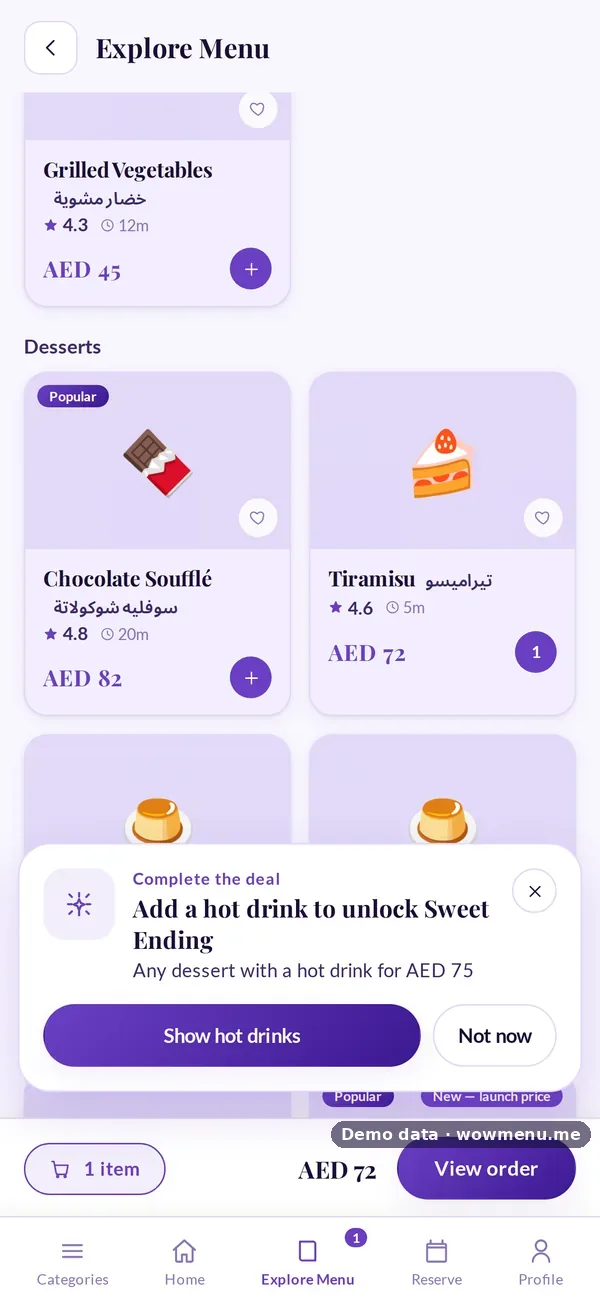
- Upselling: attach rates before and after, and the best-performing pairings
- Campaigns: redemptions, attributed revenue and efficiency scores
- Retention: repeat rate and win-back redemptions
Traps to avoid
- Comparing against last month instead of a like-for-like baseline
- Changing several things at once
- Counting revenue twice, once for the campaign and again for the menu
- Treating a projection as a result
Getting started
If you are about to launch, upload your baseline first. If you are already live, start measuring now and compare forward. To see what the numbers might look like before you start, request an uplift projection; it is an estimate, not a result. See Revenue Impact.