Foodics and an AI Menu: Why It's "And", Not "Or"
Restaurants in the Gulf often frame the decision as "Foodics or an AI menu?". It is the wrong question. A point-of-sale system such as Foodics and an AI menu platform such as WowMenu do different jobs, and most restaurants that care about both operations and revenue end up using both.
What a POS is for
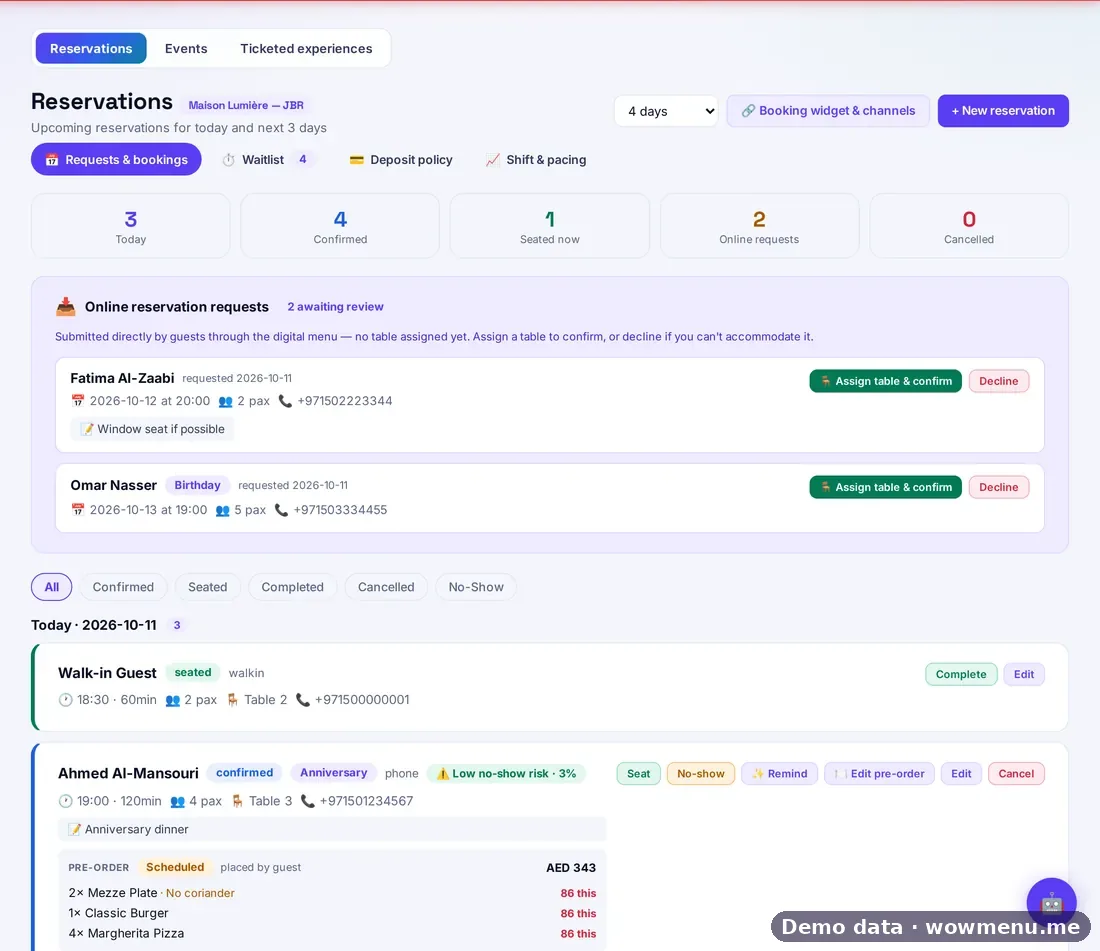
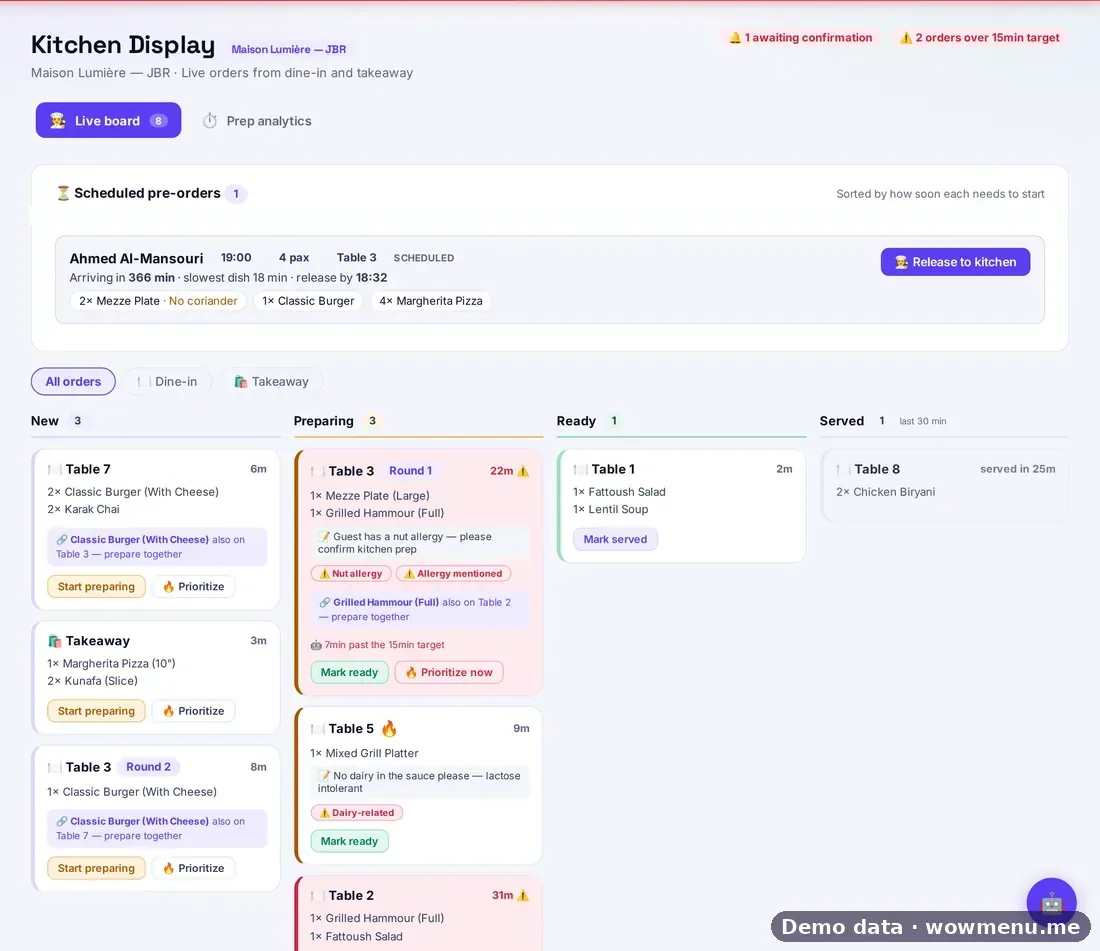
A POS is the restaurant's operational backbone: the till and card terminals, the record of every sale, stock and recipes, reporting and the end-of-day routine. It is built for your team.
What an AI menu platform is for
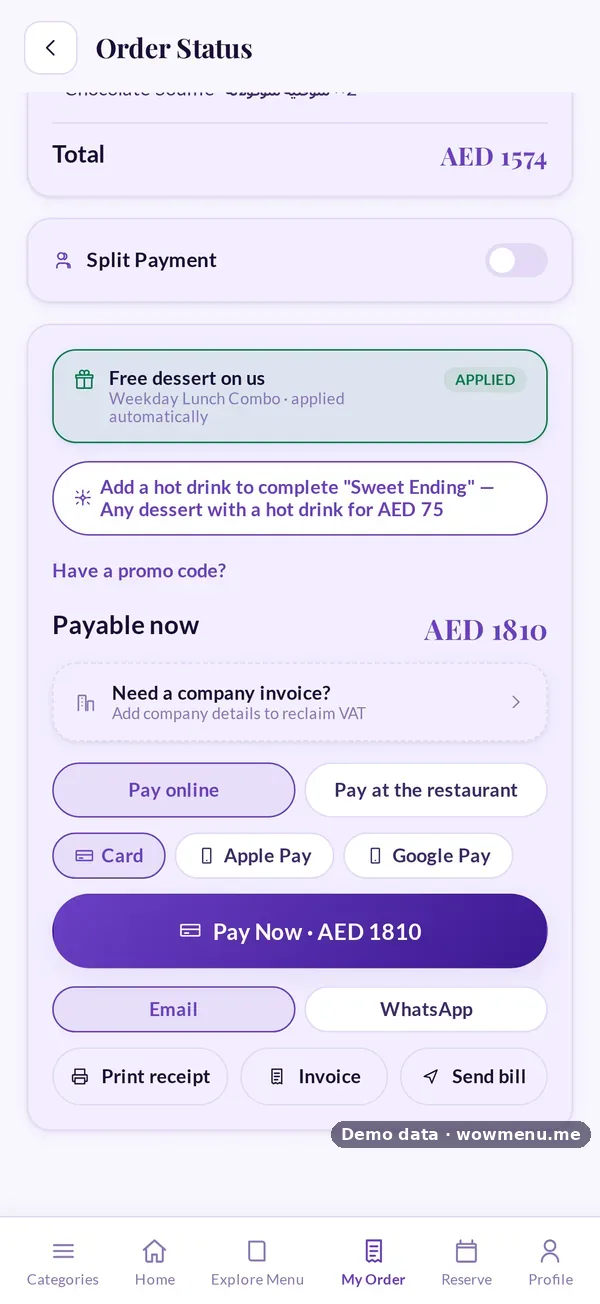
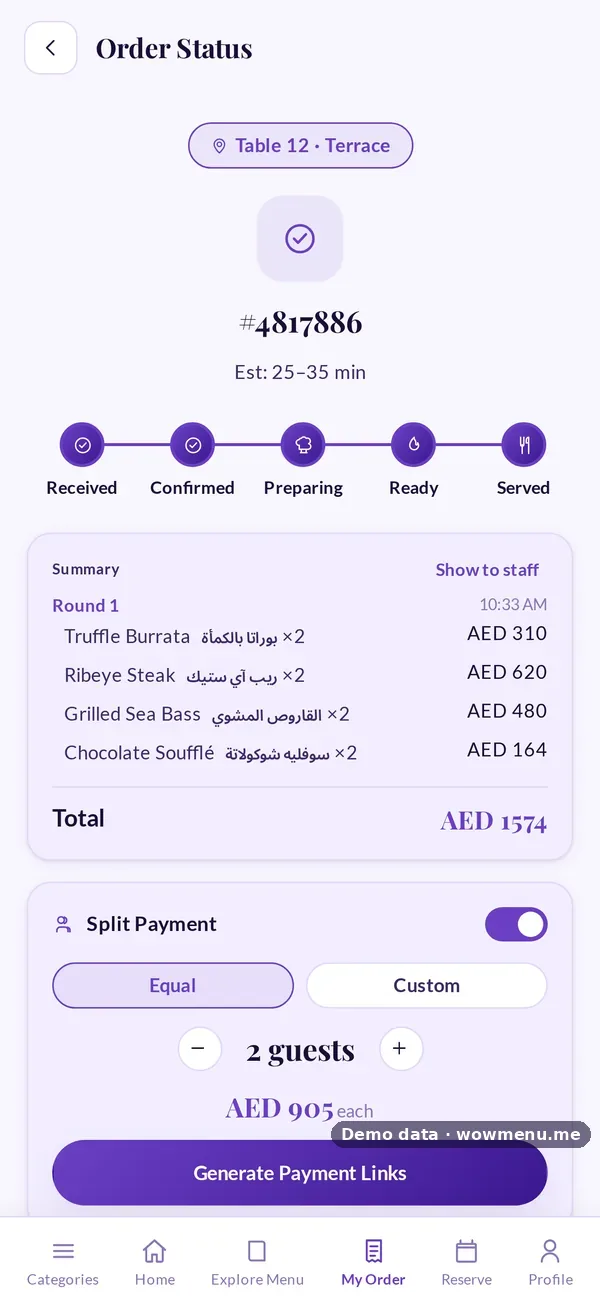
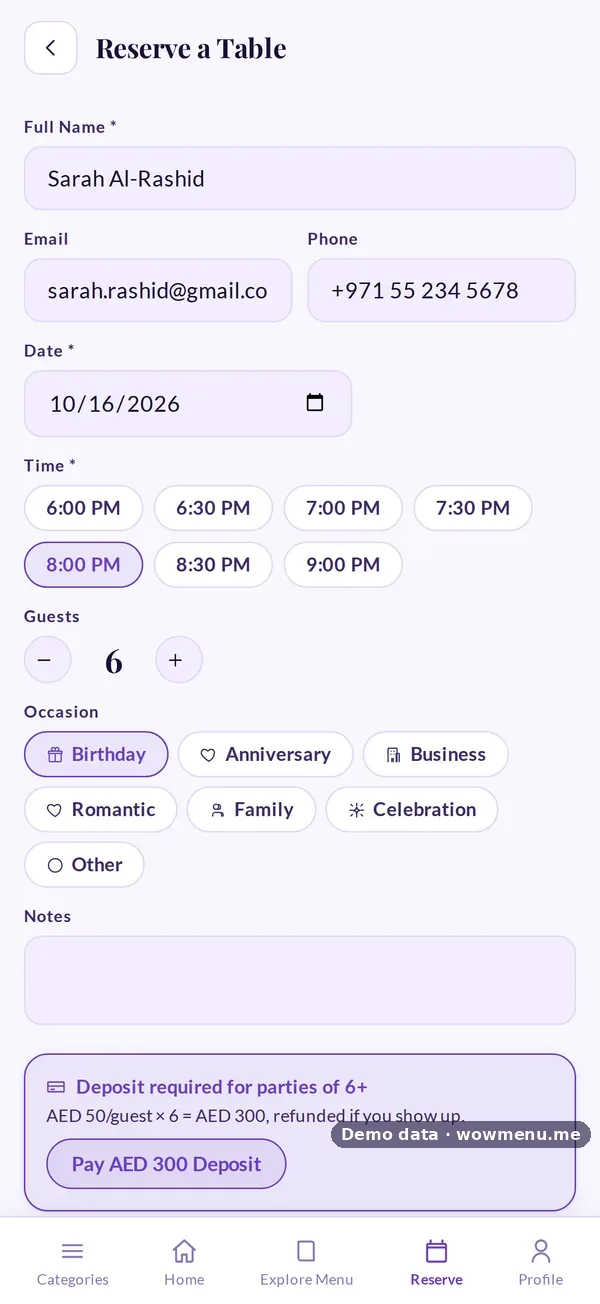
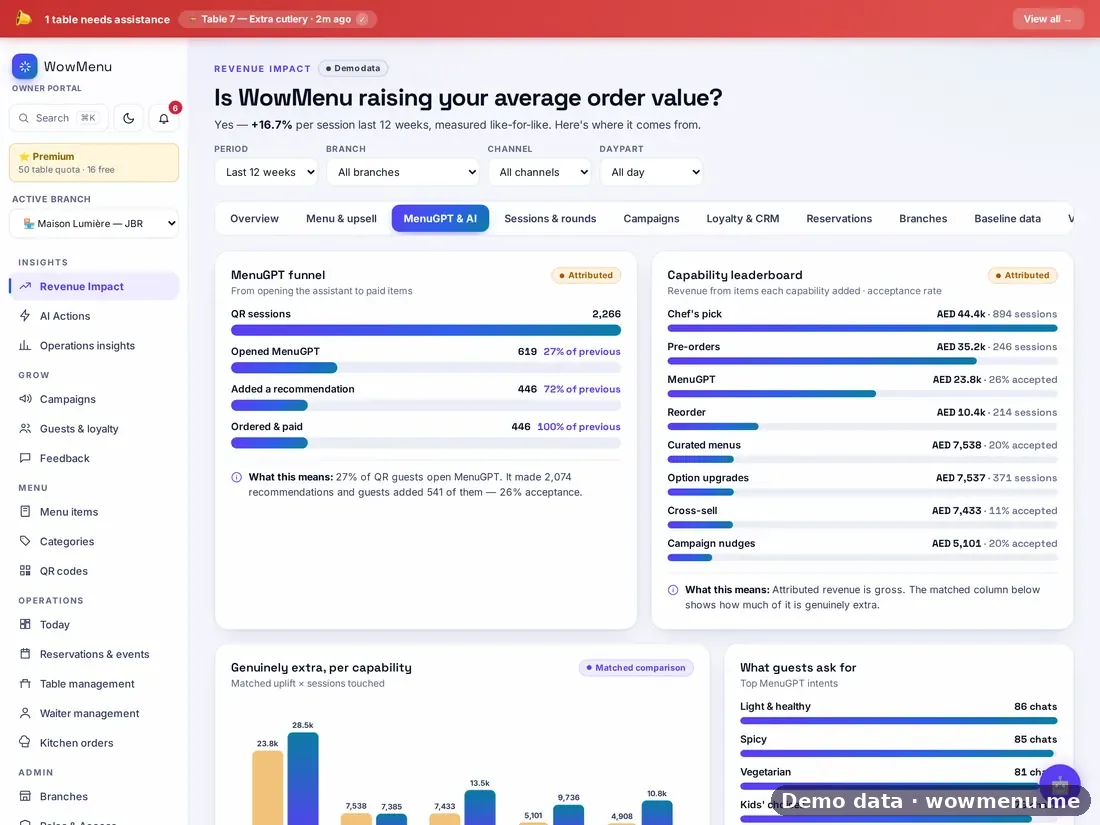
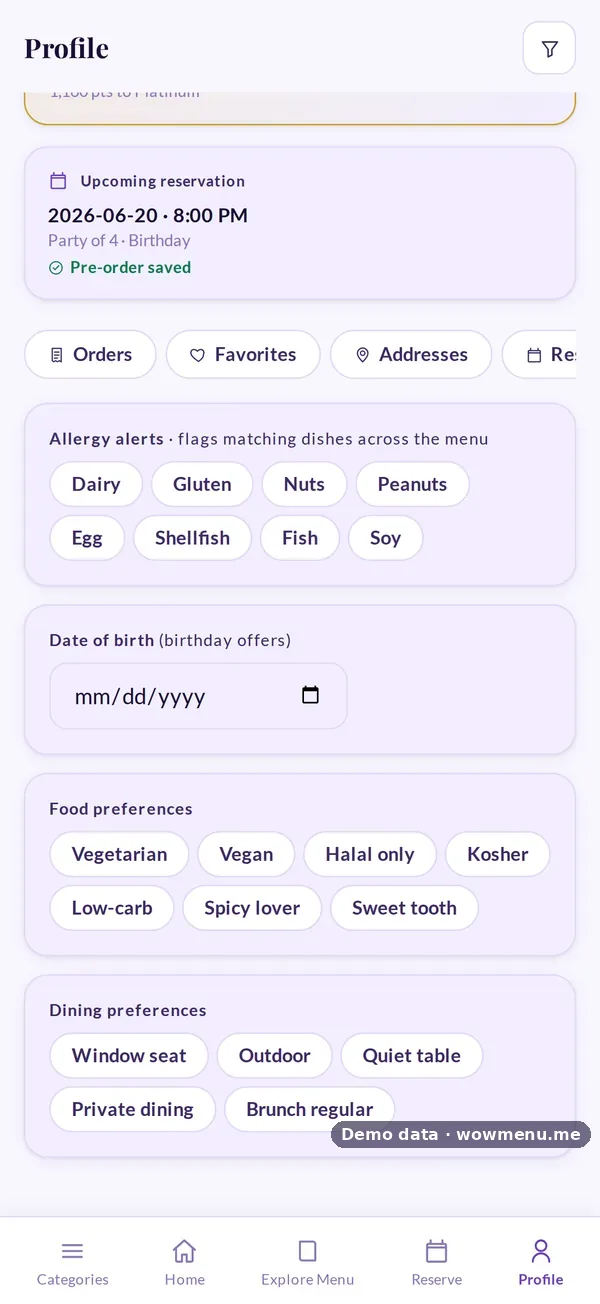
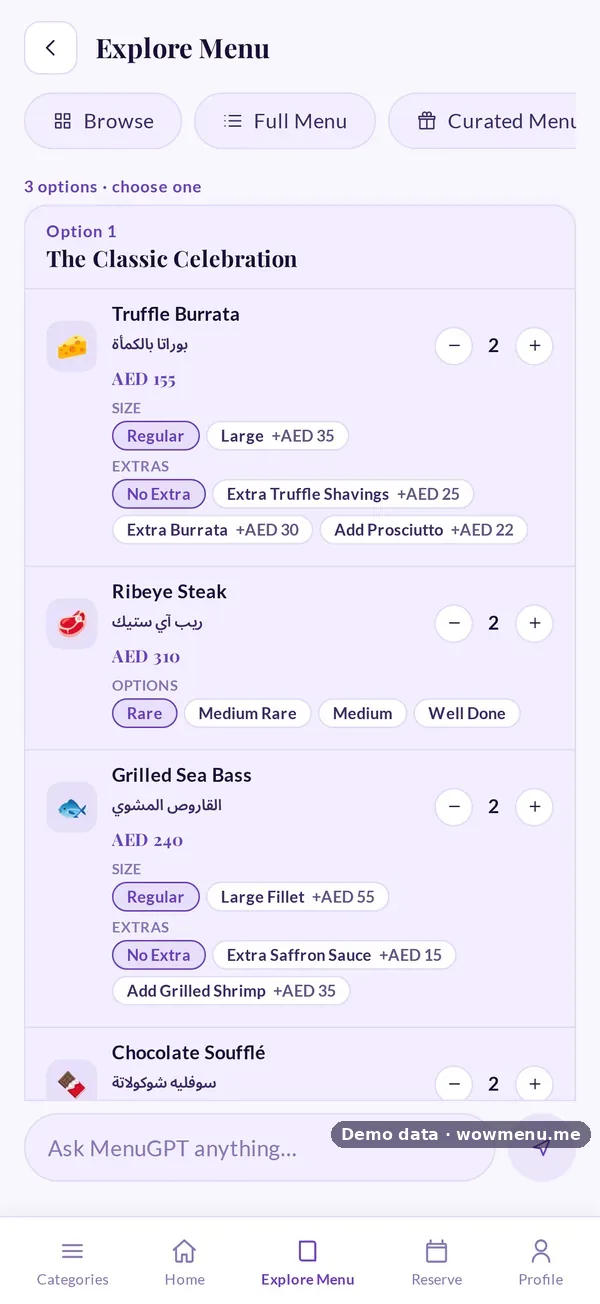
An AI menu platform is built for the guest. It is the menu they read in their own language, the assistant that recommends complete meals, the order and payment from the table, the loyalty that brings them back, and the campaigns and measurement that tell you what worked.
Why it's "and", not "or"
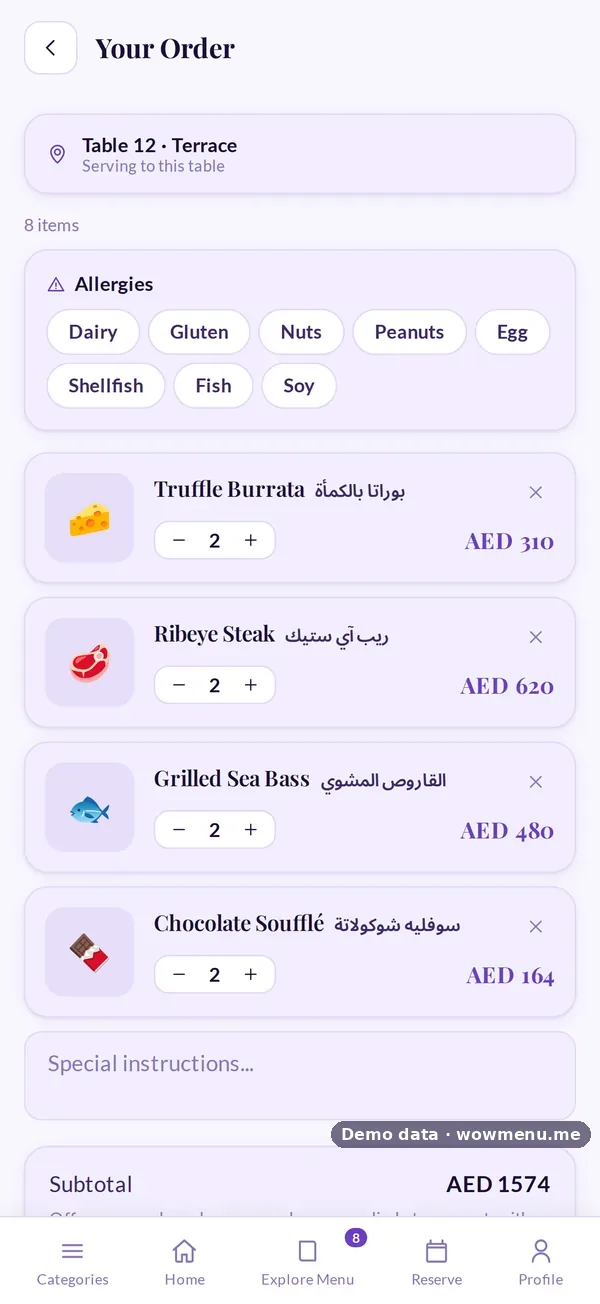
The two meet at one point: the order. When a guest orders from the QR menu, the order should reach the POS without anyone typing it in again. WowMenu sits alongside your POS rather than replacing it. Orders flow into Foodics, Square or Lightspeed, so your back office keeps working exactly as before. POS integration.
Questions to ask any vendor
- Does it replace my POS, or work alongside it?
- Do QR orders reach my POS with no double entry?
- Can I see a log of every sync?
- Can guests order and pay from the menu, or only browse?
- Does it recommend dishes, and only from my active menu?
- Is there a commission on orders?
In practice
Keep your POS for the till, stock and reporting. Add WowMenu for the guest: the menu, MenuGPT, ordering and payment, loyalty and campaigns. Connect the two once, map your items, and check the sync log. UK readers will find the same approach in works with your EPOS.